Can AI Learn Your Sales Style From WhatsApp Chat History?
Yes, and you usually don't need to train your own model. How to export WhatsApp chats, turn them into a style guide, a ready-to-use prompt, and the customer data risks.

Yes. AI can learn a sales style from WhatsApp chat history, and for most businesses you don't need to train your own model. The way to do it: export chats that ended in a sale, mask the customer data, ask the AI to write a reply style guide, then use that guide together with a few of the best replies every time the AI drafts a message. The result is drafts that sound like your sales team, not like a robot.
One thing to keep in mind from the start: AI copies the patterns it sees in the chats. Good habits get copied, and so do bad ones.
Why you don't need to train your own model
There are two ways to teach an AI a particular style: give examples in the prompt, or fine-tuning, which means retraining a model on your own data. For a chat reply style, the first is almost always enough.
- Claude's prompting guide calls examples one of the most reliable ways to steer the format, tone, and structure of a response, and recommends 3 to 5 relevant, varied examples.
- OpenAI's model optimization guide says prompt engineering may be all you need to get good results. The same page also notes that OpenAI's fine-tuning platform is being wound down and no longer accepts new users.
So what you need isn't thousands of rows of training data, but a clear style guide and a few genuinely good examples.
Step 1, export the right chats
According to the WhatsApp Help Center, on Android you open a chat, choose More > Export chat, then pick without media or include media. On WhatsApp Web and desktop, you can choose all messages or a custom date range, and the result is a ZIP file without media. View-once and disappearing messages aren't exported.
Choose the chats deliberately:
- Take 20 to 30 chats that ended in a sale, from different types of customers.
- Add a few chats that didn't convert, so the AI can compare what was different.
- Pick chats from the people whose reply style you actually want copied.
Step 2, mask customer data
Customer chats contain personal data: names, phone numbers, addresses, sometimes photos of transfer receipts. Before uploading them to an AI service, replace names with codes like Customer A, remove phone numbers and addresses, and leave media out. Use the company's AI account, not an employee's personal one. Why this matters, including under Indonesia's Personal Data Protection Law (UU PDP), is covered in Want to Summarize Your Company's Financial Data in ChatGPT? Is It Dangerous?.
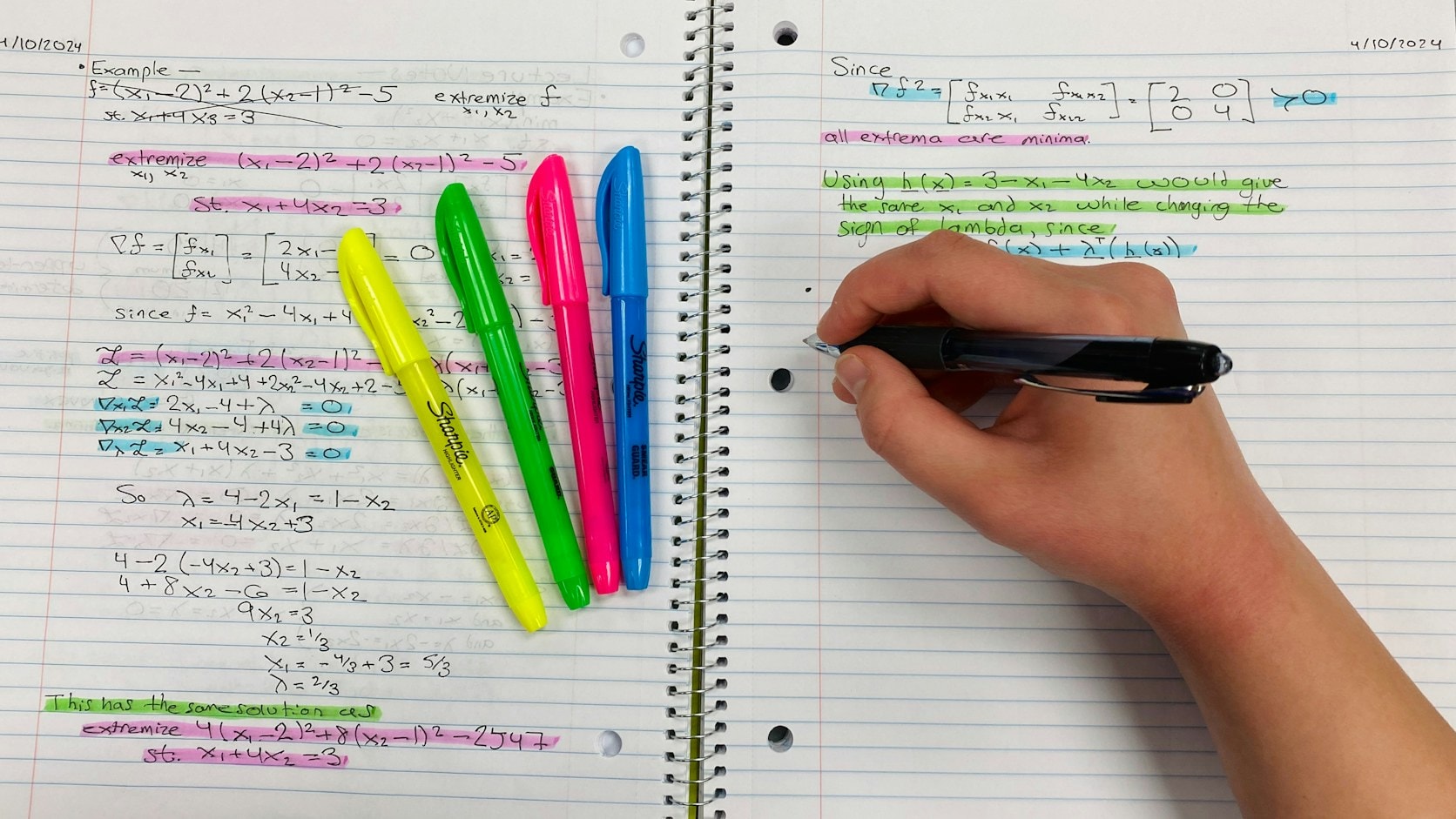
Step 3, ask the AI to write a style guide
Paste in the masked chats, then use a prompt like this:
Below is a set of WhatsApp sales chats from our shop. Customer names and numbers have been masked.
Chats marked [SALE] ended in a purchase; chats marked [NO SALE] did not.

Please write a chat reply style guide for our team, covering:
1. How to greet and the tone of language used (formal, casual, how customers are addressed).
2. Message length and emoji habits.
3. How to answer questions about price and shipping costs.
4. How to handle objections, such as "too expensive" or "let me think about it".
5. How to invite the customer to complete the purchase.
6. Things that often show up in [NO SALE] chats and should be avoided.

Then pick the 5 best replies from the [SALE] chats as examples, with the reasons.
Don't add promises, discounts, or shop rules that aren't in the chats.
Read the result with your team. Cross out anything that doesn't match shop policy, such as a habit of giving discounts without approval, then save the cleaned-up guide as a shared document.
Step 4, use the guide every time you draft
Keep the style guide and the five examples in a Project or custom GPT, or in the system instructions if you use the API. Whenever a chat comes in, ask the AI for a draft reply based on that guide. The admin just reads it, adjusts it, and sends it.
To keep results consistent across all admins, use one guide for the whole team, as I cover in Every Employee Gets Different AI Results, So Build Shared Templates.
What it can't learn from chats
- Knowledge that isn't written down, like today's stock, special prices for long-time customers, or exceptions the owner usually decides.
- Context about specific customers. A customer who has bought from you for years may need different treatment from what the examples show.
- Policies that change. If prices or promotions change, the guide needs updating too.
That's why the AI should draft, not reply on its own. Where humans still need to check, I cover in At What Point Should Humans Still Check AI and Automation Results.
From drafts to a system
Once you're handling hundreds of chats a day, the next step usually isn't just draft replies but recaps too. In the WhatsApp marketing recap case study, every chat from a two-person team is stored automatically, and each night AI summarizes who bought, who complained, and who needs a follow-up. A recap like that is also good material for keeping the style guide up to date.
Wrapping up
AI can copy your team's best sales style from WhatsApp chats with just a style guide and a few well-chosen examples. The keys are picking the right chats, masking customer data, and an admin who still reads before sending.
If you'd like your team's WhatsApp chats summarized automatically, or AI help with draft replies, tell me about your workflow.
The photos in this article are from Unsplash, by Rifki Kurniawan (main photo) and American Jael, used under the Unsplash License.
Is your team still doing something by hand?
Tell me about it, and let's find the fix together.
More notes

Gemini vs ChatGPT for Office Work, Which One Fits Better?
Gemini and ChatGPT can both be used for work, but their strengths differ. A plan price comparison in Rupiah, which suits teams on Google Workspace, and when ChatGPT makes more sense.
Read the note
Is It Safe to Sign In to Work Accounts in an AI Agent Like Dots or Grok Bot?
AI agents like Dots, Grok Bot, and Muse work through your own accounts. How each handles passwords, the risks, and the guardrails before giving one access to work accounts.
Read the note