Is It Safe to Sign In to Work Accounts in an AI Agent Like Dots or Grok Bot?
AI agents like Dots, Grok Bot, and Muse work through your own accounts. How each handles passwords, the risks, and the guardrails before giving one access to work accounts.
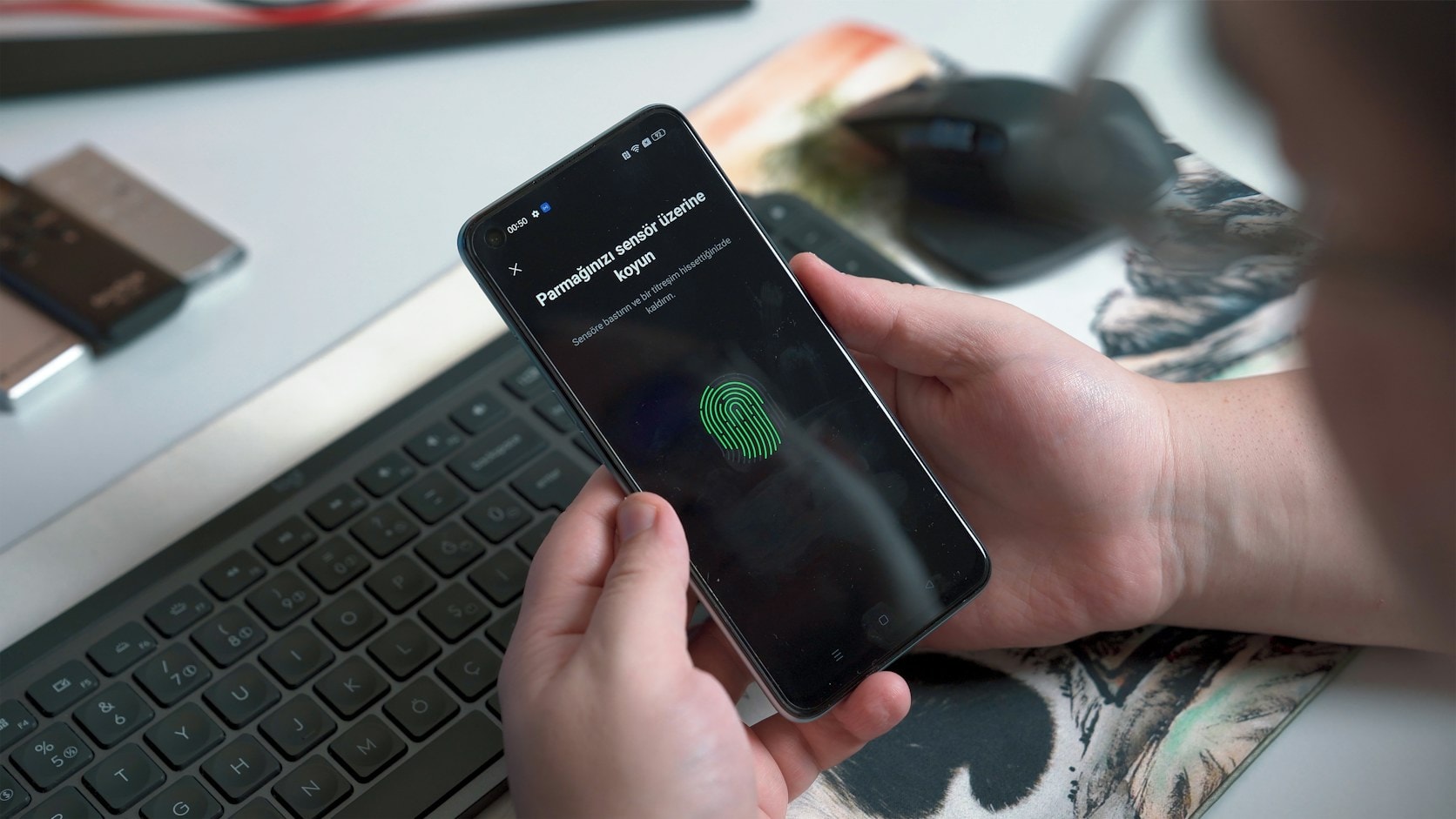
Signing in to work accounts in an AI agent can be reasonably safe, as long as you remember one thing: the agent works as you. Whatever you can do with that account, the agent can do too. So the better question isn't "is the agent safe", but "what access am I giving it, and which actions still need my approval".
This matters more now that agents like ChatGPT Dots, Grok Bot, and Meta Muse have their own cloud computers and can sign in to work apps. I compared the three in ChatGPT Dots, Grok Bot, or Meta Muse, Which One Should Be Your Personal AI Assistant?. Here the focus is one thing: access and passwords.
How each service handles sign-ins
| Service | How it handles passwords and sign-ins | What you still have to do |
|---|---|---|
| ChatGPT Dots | The dot's cloud browser has its own sign-in sessions. You can take over the screen to sign in yourself | Steps like changing a password must be done by you |
| Grok Bot | For sign-ins, two-step codes, and payments, the Bot hands its computer over to you. Connector tokens are stored on the server, not on the Bot's computer | Entering passwords and codes, approving risky actions |
| Meta Muse | Credentials go into secure storage that Muse can't see. A separate agent called Sentinel has to approve Muse's actions on the internet | Approving before an email is sent or a purchase is made |
| Claude Duet | The encrypted password is passed to the browser unopened, so Duet never sees passwords, cookies, or tokens | Approving sends, payments, and deletions. Trading and transfers between accounts are blocked |
Sources: Dots help page, Grok Bot security page, Meta's Muse announcement, and Claude Duet's security page.
The pattern is similar across all of them: passwords ideally never get typed into the chat, and risky actions need human approval. The differences are in the details, and those details are what you need to check.
The real risks
1. The agent has as much access as you
Grok Bot's documentation says it plainly: a Bot has no identity of its own, it acts as the signed-in member, and it can never hold more access than its owner. That last line sounds reassuring, but it also means the reverse. If you sign in with an admin account, your agent becomes an admin too.
2. Hidden instructions in emails or web pages
OWASP, the application security community whose lists are widely used as a reference, ranks prompt injection first among risks for AI applications in its 2025 edition. One form, indirect prompt injection, happens when the AI reads outside content such as a web page or file that hides instructions. An agent that reads a work inbox every day is exposed to this every day. Providers have put protections in place, but OpenAI itself says its protections reduce the risk rather than remove it.
3. One computer for many agents
All of one person's Grok Bots share one cloud computer, including files, browser, and sign-in sessions. Isolation is per user, not per Bot. So if one Bot signs in to the CRM, other Bots on the same account can use that session too.
4. Memory that stays behind
In Dots, disconnecting an app doesn't delete what the dot already learned from it. To delete that, the dot has to be reset. If the agent belongs personally to an employee, company work context stays stored there.
Guardrails to put in place
Here's what I'd suggest before giving an agent access to work accounts. The first two match OWASP's advice on least privilege and human approval for risky actions:
- Give the least access possible. Don't sign in with an admin or super admin account. Where you can, give access only to the inbox, calendar, or folders that are really needed.
- Require approval for actions that can't be undone, like sending messages outside the company, deleting data, and payments. In Dots this is set with Custom rules, in Grok Bot with Auto Review.
- Don't connect bank accounts, admin panels, or finance systems at the start.
- Choose official connectors over sharing passwords. Connector access can be revoked without changing the account's password.
- Never paste passwords or one-time codes into the chat. Let sign-ins happen through the screen takeover or credential storage the service provides.
- Turn on two-step verification on every connected account.
- Check the activity log every week, and disconnect apps you no longer use.
- Add agents to the checklist for when someone leaves. Revoke their access, connectors, and sign-in sessions, just like any other account. How to do that is in A Simple SOP to Keep Company AI a Team Asset, Not Personal Property.
If your company is on a business plan, check the admin controls too. In ChatGPT Enterprise, dot access is off by default until an admin turns it on. In Grok Bot, network controls and audit logs are only available on the Enterprise plan.
So, yes or no?
Yes, for low-risk work that's mostly reading, like summarizing email, preparing drafts, and checking schedules, with limited access and approval for every send. Hold off for admin accounts, finance, and anything that's hard to undo if it goes wrong. The principle is the same one I cover in At What Point Should Humans Still Check AI and Automation Results.
Wrapping up
An AI agent is safest when treated like a very fast new hire you don't know yet. Give it just enough access, ask for approval on important decisions, and check its work regularly. If the account gets compromised, you lose more than one account, as I cover in If Your Company's Google Account Got Hacked Tomorrow Morning, What Would You Lose?.
If you'd like to set access rules for AI agents on your team before they're put to use, tell me what you need.
The photos in this article are from Unsplash, by Onur Binay (main photo) and Franck, used under the Unsplash License.
Is your team still doing something by hand?
Tell me about it, and let's find the fix together.
More notes

Can AI Learn Your Sales Style From WhatsApp Chat History?
Yes, and you usually don't need to train your own model. How to export WhatsApp chats, turn them into a style guide, a ready-to-use prompt, and the customer data risks.
Read the note
Gemini vs ChatGPT for Office Work, Which One Fits Better?
Gemini and ChatGPT can both be used for work, but their strengths differ. A plan price comparison in Rupiah, which suits teams on Google Workspace, and when ChatGPT makes more sense.
Read the note