A Simple SOP to Keep Company AI a Team Asset, Not Personal Property
Four short steps to keep your team's AI accounts, prompts, and automations company assets, instead of tied to one person who could resign any time.

In the previous article, I went through how an AI account tied to an employee's personal email can make a year of work disappear the moment they resign. Now for the actionable part: what the SOP itself actually looks like.
The good news is, I don't think this needs to be a policy as thick as an HR handbook. The four steps below are enough to keep AI tools a team asset, not one person's property.
Why AI tools need the same treatment as other digital assets
No company lets an employee set up a work email account or server access with a personal identity. The moment they join, IT provisions an account under the company domain. The moment they resign, that access is revoked.
AI accounts should get the exact same treatment. What's inside isn't just casual chat: there's strategy, client data, internal SOPs, and automations running the team's operations. The only difference is that there's no habit (or policy) yet that treats it as equally important.
1. AI accounts use a company identity, not a personal one
This is the foundation. Every AI tool used for work (ChatGPT, Claude, Notion AI, Gemini) gets registered with a work email, ideally through a team/workspace plan (ChatGPT Team/Enterprise, Claude for Work, Google Workspace) that has an admin console.
Why this matters:
- Clear ownership. The account is registered to the company, not to one person. If they resign, the account stays.
- An admin can see and manage access. It's not about peeking at conversations, it's about being able to add or remove members anytime, without waiting for that person to hand over a password.
- No need to ban people from exploring. If anything, the opposite: once the official account is comfortable to use, people no longer need to quietly fall back on personal accounts.
If the budget doesn't allow a team plan for every tool yet, at least start with whichever one gets used most for everyday work.
2. Document a centralized prompt library
Prompts that have been "refined," the result of trial and error for writing reports, answering customers, or drafting contracts, shouldn't just live in one person's chat history. Move them to a place the team can access, like a dedicated folder in Notion or Drive you already use.
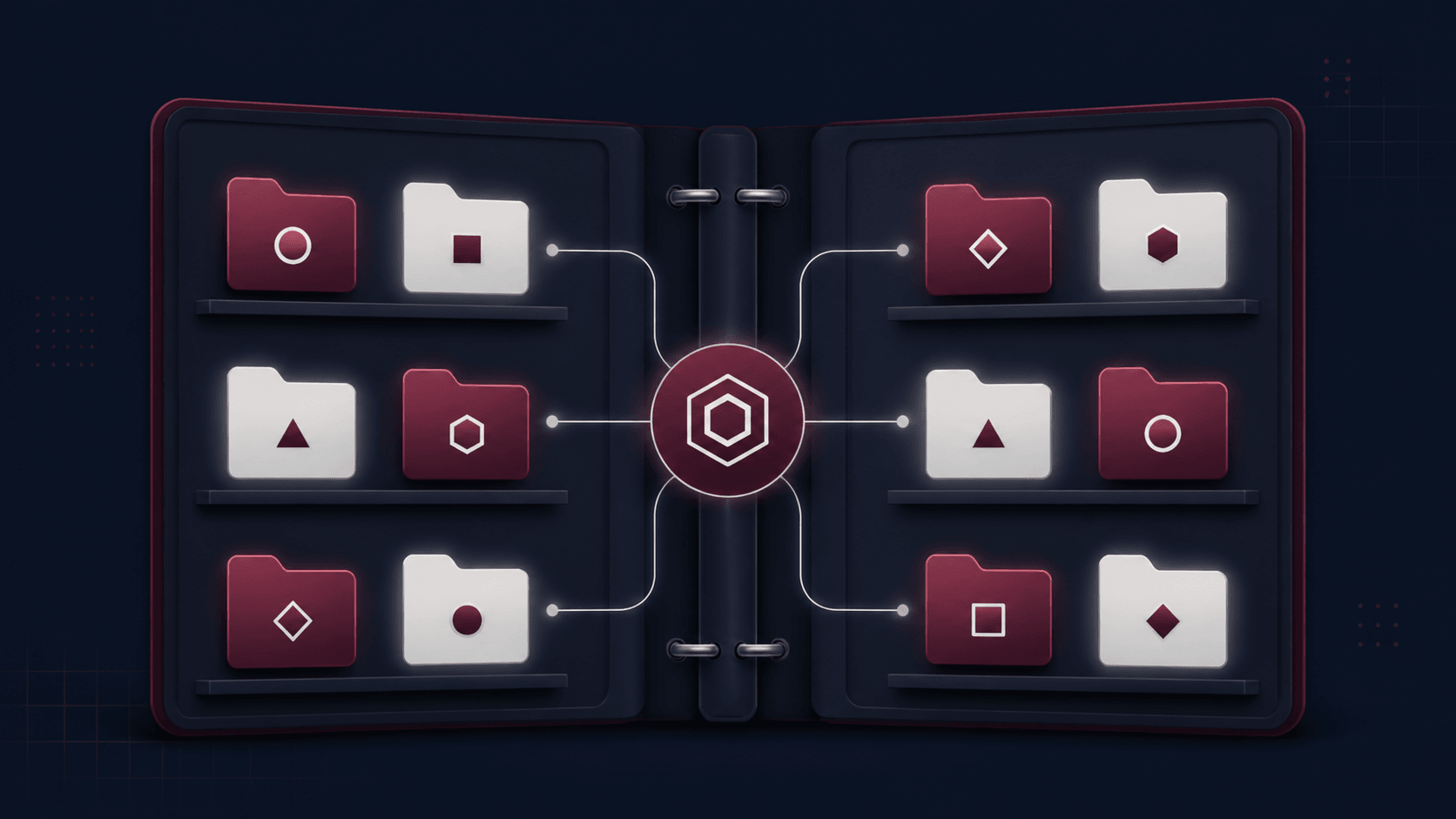
The structure doesn't need to be complicated, just group prompts by function (customer service, reports, content, etc.), and give each one a short note: what it's for, how to use it, and a sample result. Update it whenever a better version turns up.
3. An offboarding checklist item just for AI access
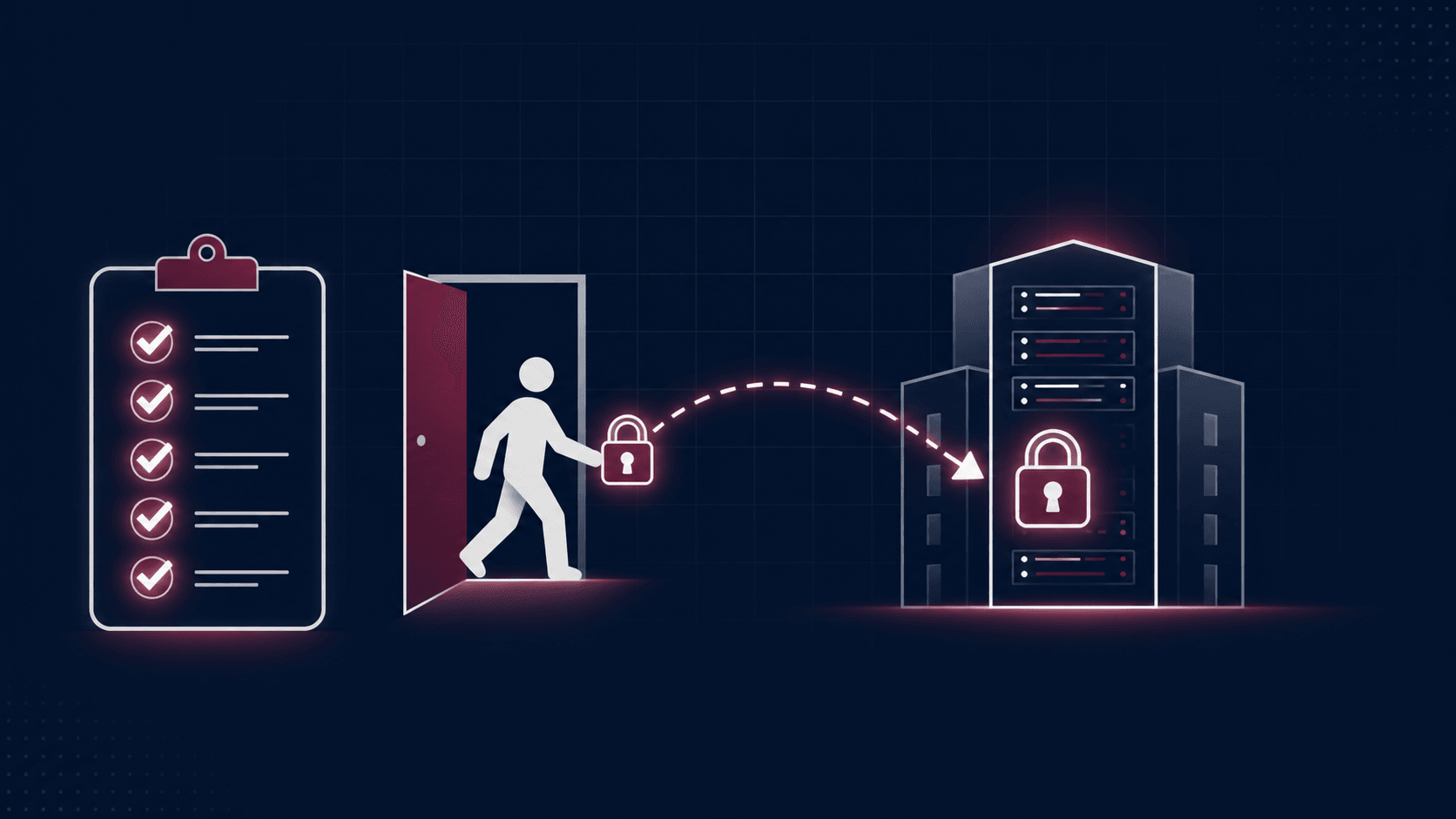
Your existing offboarding checklist (email, Drive, laptop) just needs one more section: AI access. A few things to check whenever an employee resigns:
- Revoke access from the AI team workspace or account they used.
- Transfer ownership of any custom GPT, Gem, or Project they built to the team account or whoever replaces them.
- Check any automations (Zapier, Make, n8n) connected to their API key or account, and move them to a service/team account before access is revoked.
- Make sure their important prompts or workflows are already in the centralized documentation, not just in their head.
4. Decide who holds admin access
In my view, one person (usually IT or an ops lead) should hold admin rights for the company's AI workspace, responsible for provisioning access for new hires, revoking it on resignation, and occasionally reviewing who's still actively using what.
It doesn't need to be a full-time role. Just attach it to the onboarding/offboarding process you already have, so AI access automatically gets checked whenever the team changes.
Bonus: a quick checklist to get started
If you want to put this to use right away, here's the summary:
- Every AI tool used for work is registered under a company email/workspace.
- There's a centralized folder (Notion/Drive) for the prompt library, and the team knows where to find it.
- The offboarding checklist already includes revoking AI access and transferring ownership of custom GPTs/automations.
- One person clearly holds admin access and the responsibility for periodic review.
These four points don't need a big budget or a brand-new process, most of it just attaches to the onboarding/offboarding SOP you already run. What matters is starting now, before the next person resigns and takes another working system with them.
Is your team still doing something by hand?
Tell me about it, and let's find the fix together.
More notes

Can AI Learn Your Sales Style From WhatsApp Chat History?
Yes, and you usually don't need to train your own model. How to export WhatsApp chats, turn them into a style guide, a ready-to-use prompt, and the customer data risks.
Read the note
Gemini vs ChatGPT for Office Work, Which One Fits Better?
Gemini and ChatGPT can both be used for work, but their strengths differ. A plan price comparison in Rupiah, which suits teams on Google Workspace, and when ChatGPT makes more sense.
Read the note