When the Company's AI Resigns Along With the Employee
It's common for a work AI account to live in an employee's personal email, until they resign and the chat history, prompts, and automations disappear with them.

There's a scenario that's almost certainly happened on your team: someone opens a ChatGPT, Claude, or Notion AI account with their personal email. Not to break any rule, there just wasn't a policy yet, or it was simply faster to use their own account than wait for IT to set up access.
Months later, that account has become part of the daily work. Asking about campaign strategy, drafting contracts, writing SOPs, building a custom GPT to answer client questions, and small automations quietly running in the background.
Then they resign.
The part I think gets overlooked most often: it's not just the person who leaves. A year of conversations goes with them, along with a set of prompts refined until the results were consistent, and all the work context that was never moved anywhere except their head and their personal account.
What gets lost when an employee resigns
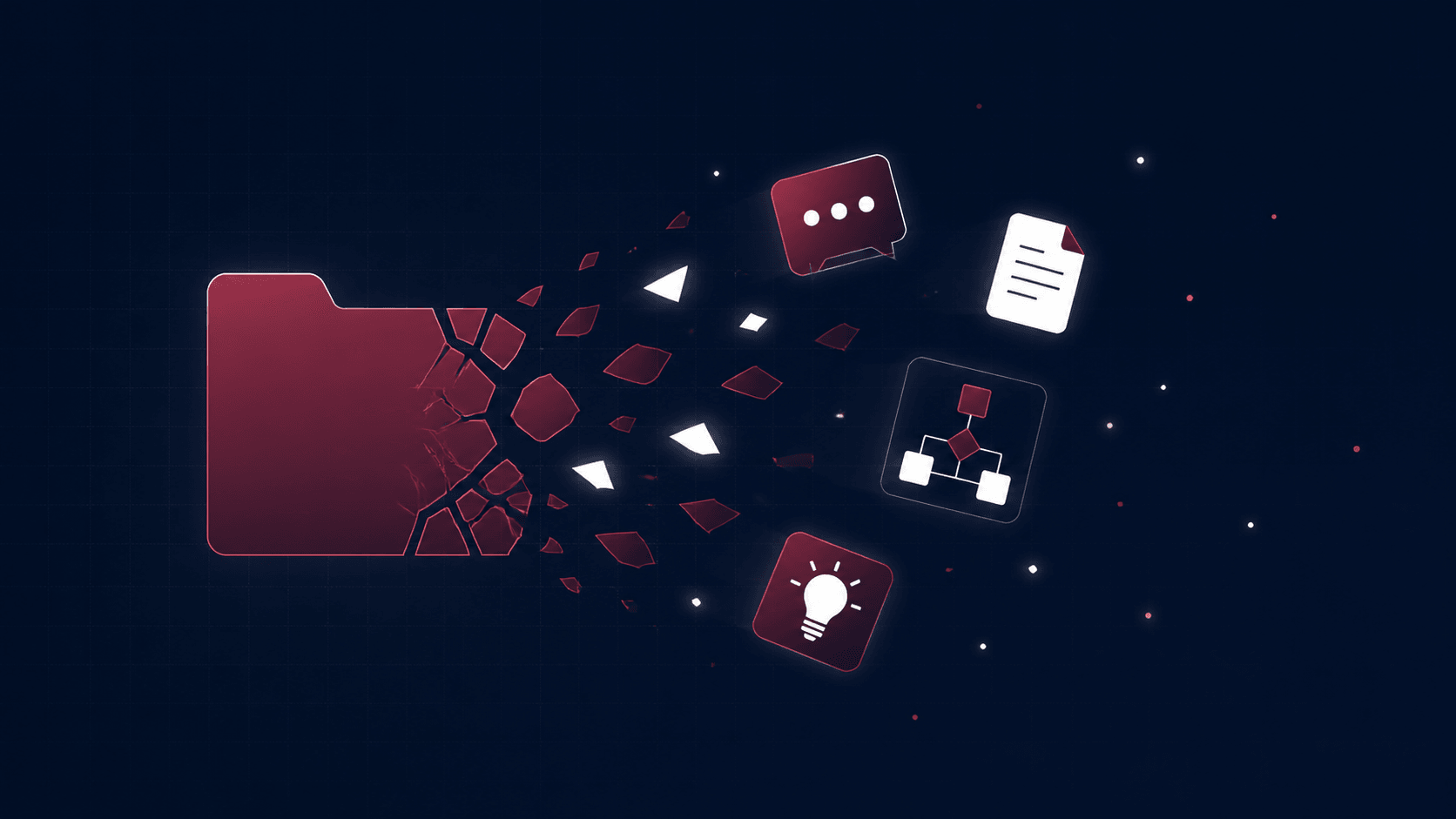
- Chat history. Months of discussion, idea iterations, and the reasoning behind a decision all live in threads only accessible through their personal account. The moment they log out of work life, those threads log out too.
- Prompt library. Prompts that have been "refined," the result of months of trial and error for writing reports, answering customers, or summarizing meeting notes, never got copied anywhere else. Whoever replaces them has to start from zero, guessing at the right format all over again.
- Custom GPT / Project. If they built a custom GPT, Gem, or Project containing the company's knowledge base (SOPs, product knowledge, brand voice), all of it is tied to their account. Not the company's.
- Automation workflows. Automations in Zapier, Make, or n8n connected to their personal API keys or accounts. Once they resign and that access is revoked (or they forget to mention an automation is still running), the system quietly stops, and it usually only comes to light when someone complains a report never arrived.
The real impact: more than just a shame
This isn't just a sentimental loss. There's a real operational cost:
- Starting over from scratch. The replacement only has the end result, not the process that got there. Prompts have to be rebuilt, workflows have to be reverse-engineered from whatever's left, if anything is left at all.
- Time wasted on something that was already "solved." Someone had already found the most effective way to do a task. Now someone else has to rediscover the same approach, with the same time and trial and error.
- Unstructured data. Knowledge about how the team works only lives in people's heads and personal chat histories, never moved anywhere the rest of the team can access or search.
Why this slips past HR and IT
The offboarding checklist is usually thorough enough: disable email access, revoke Drive access, collect the laptop, deactivate "official" company software accounts. But the AI account used for daily work often doesn't make that list at all.
The reason is simple: there's no policy yet that treats an AI account as a work asset. As long as there's no SOP for AI usage, IT has no visibility either: which AI accounts the team actually uses for work, let alone which ones hold critical knowledge.
The irony is that the system doing the most "thinking" for the company right now is the one with the least asset management around it.
Going forward: it's not about banning it, it's about a system
In my view, the fix isn't banning the team from using AI, or forcing everyone onto one shared account, that's unrealistic and just pushes people back to quietly using personal accounts. What's needed is a system: clear account ownership, a place to store prompts and workflows the team can access, and a handover process that takes "AI assets" as seriously as email or Drive access.
In the next article, I go through what that SOP and system actually look like: account structure, prompt documentation, and a handover process that keeps the team's knowledge intact, even after the person is gone.
Is your team still doing something by hand?
Tell me about it, and let's find the fix together.
More notes

Can AI Learn Your Sales Style From WhatsApp Chat History?
Yes, and you usually don't need to train your own model. How to export WhatsApp chats, turn them into a style guide, a ready-to-use prompt, and the customer data risks.
Read the note
Gemini vs ChatGPT for Office Work, Which One Fits Better?
Gemini and ChatGPT can both be used for work, but their strengths differ. A plan price comparison in Rupiah, which suits teams on Google Workspace, and when ChatGPT makes more sense.
Read the note