Check the Team's Work and Daily Tasks With Just a WhatsApp Chat
Case study: a WhatsApp AI assistant for an agency's internal team, so editors, the shooting crew, AEs, and PMs can check work and daily tasks in real time.
- Client
- Kyon Studio
- Role
- Ops & Project Manager
- Tools
- n8n, Google Cloud Platform (GCP), WhatsApp API, OpenAI API (ChatGPT), Google Sheets
- Duration
- 1 week
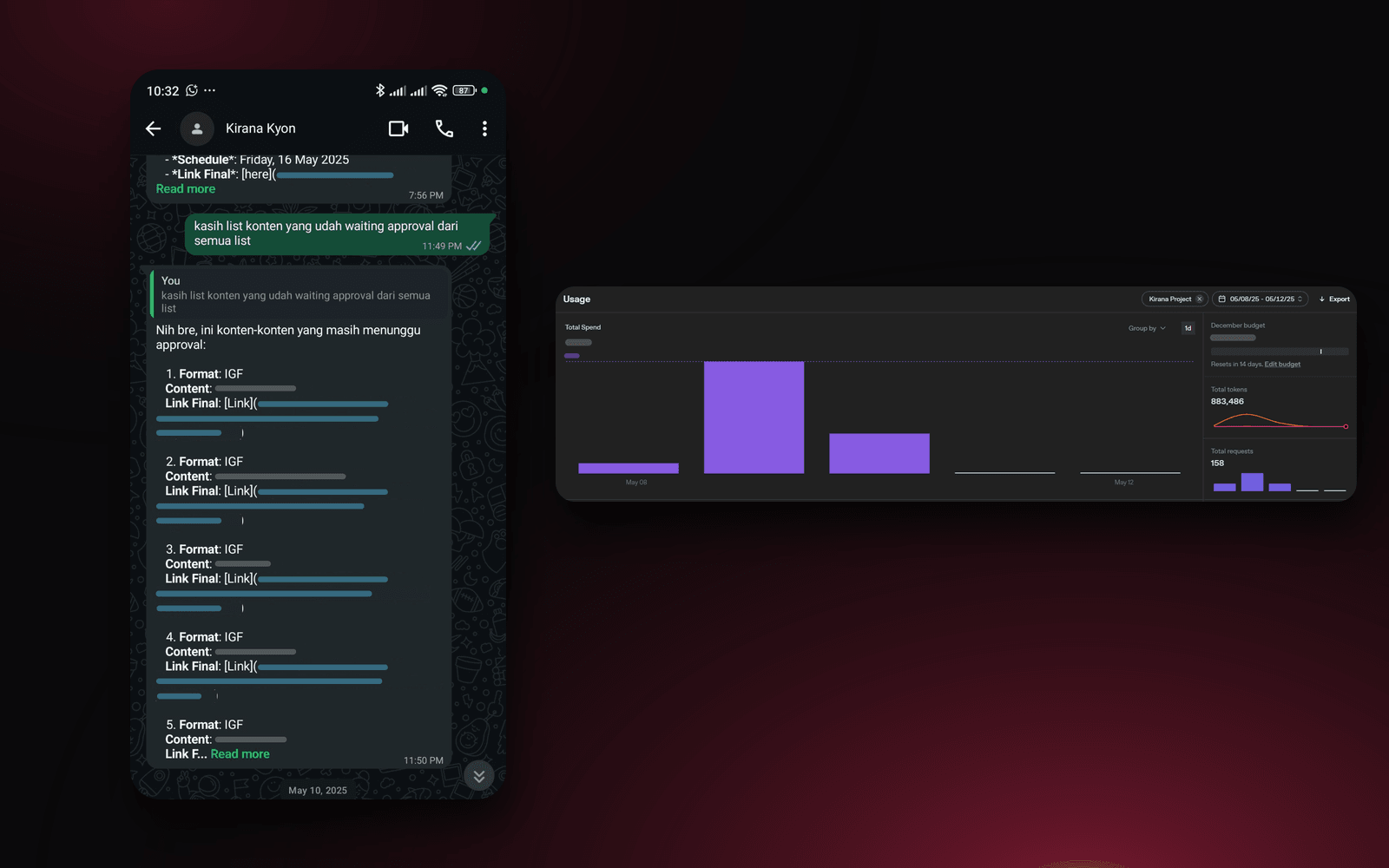
At Kyon Studio, I saw how many roles are involved in a single content production: editors, the shooting crew, account executives (AEs), and project managers (PMs). Everyone needs to know their work status and daily tasks, often while they're out in the field.
I built Kirana, an AI assistant for the internal team that they can talk to directly on WhatsApp. The team just sends a message, and Kirana replies with real-time work data, from content status and briefs to references.
The problem: opening a spreadsheet in the field was a hassle
Before, all the work data lived in Google Sheets. To find out the status or that day's tasks, the team had to open the spreadsheet and search for it themselves. Out in the field, that was a real hassle. Editors also had to track their tasks one by one.
As a result, just checking on work could take 15 to 30 minutes, including right before the team was about to start shooting.
The approach: an assistant in the app the team already used every day
Instead of building a new app the team would have to open and learn, I put the assistant on WhatsApp, where they already communicated every day. The data stayed in the Google Sheets they already used, so the team's workflow didn't need to change.
- 1WhatsApp messageThe team asks in everyday language
- 2n8n workflowThe message comes in through the WhatsApp API
- 3ChatGPT APIUnderstands the question and drafts an answer
- 4Google SheetsWork data, briefs, and references
- 5WhatsApp replyThe answer is sent back in real time
I ran the n8n workflow and the API on Google Cloud Platform. The first version was done in one week.
What I built
Ask anything, in everyday language
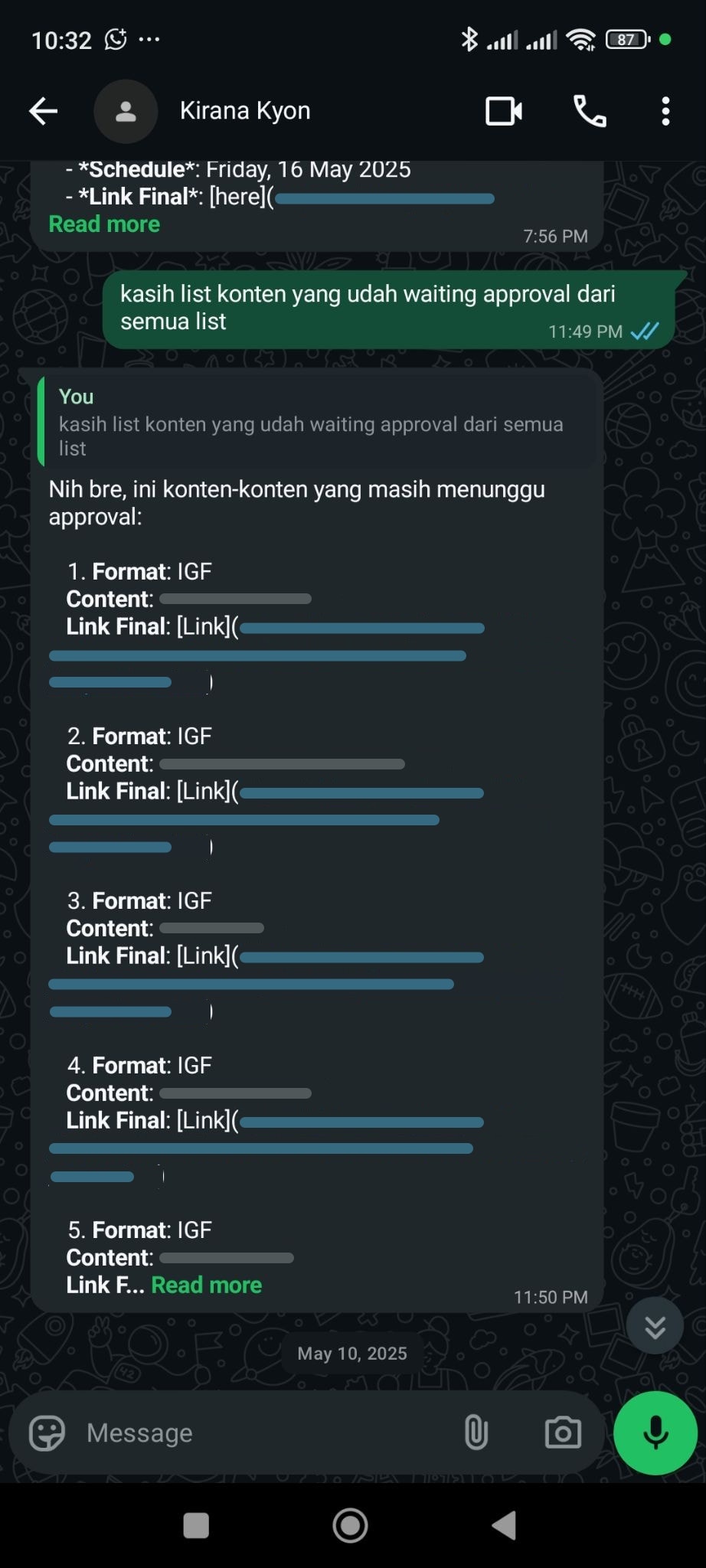
The team can ask about anything in the database over WhatsApp, from content status and briefs to references. For example, they just send "give me the list of content still waiting for approval across all lists," and Kirana replies right away with the content still awaiting approval, complete with its format and a link to the final file.
One assistant for every role
Editors, the shooting crew, AEs, and PMs all use the same assistant to check their own work and daily tasks, without opening a spreadsheet or asking someone else.
Usage you can measure
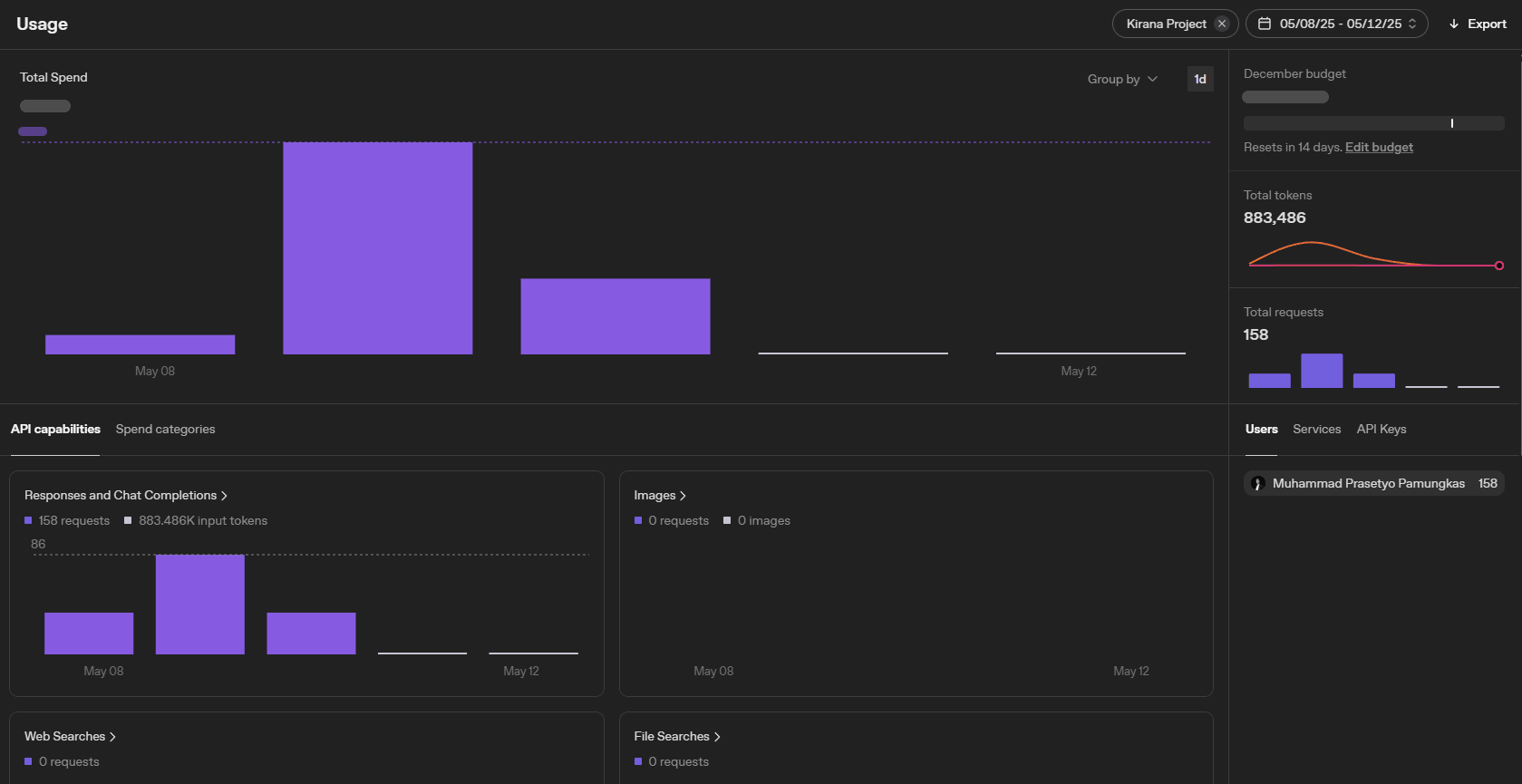
I set it up so every conversation is logged on an API usage dashboard, so usage volume and cost can be tracked.
Results
Before
- Opening Google Sheets and searching for data themselves, a hassle out in the field
- Editors tracking tasks one by one
- Checking on work could take 15–30 minutes
After
- Just ask over WhatsApp chat, answered instantly
- Briefs, references, and content status can be asked about anytime
- Before a shoot, 5 minutes is enough to be fully briefed
- Checking work before a shoot, previously 15–30 minutes
- 5 minutes
- Requests over 5 days of use
- 158
- Time to build, start to finish
- 1 week
Now the team doesn't need to open a spreadsheet out in the field anymore. Before a shoot, they just ask Kirana, and within 5 minutes everyone knows what needs to get done.
Is your team still doing something by hand?
Tell me about it, and let's find the fix together.
More case studies
 AI & Automation
Social media agency
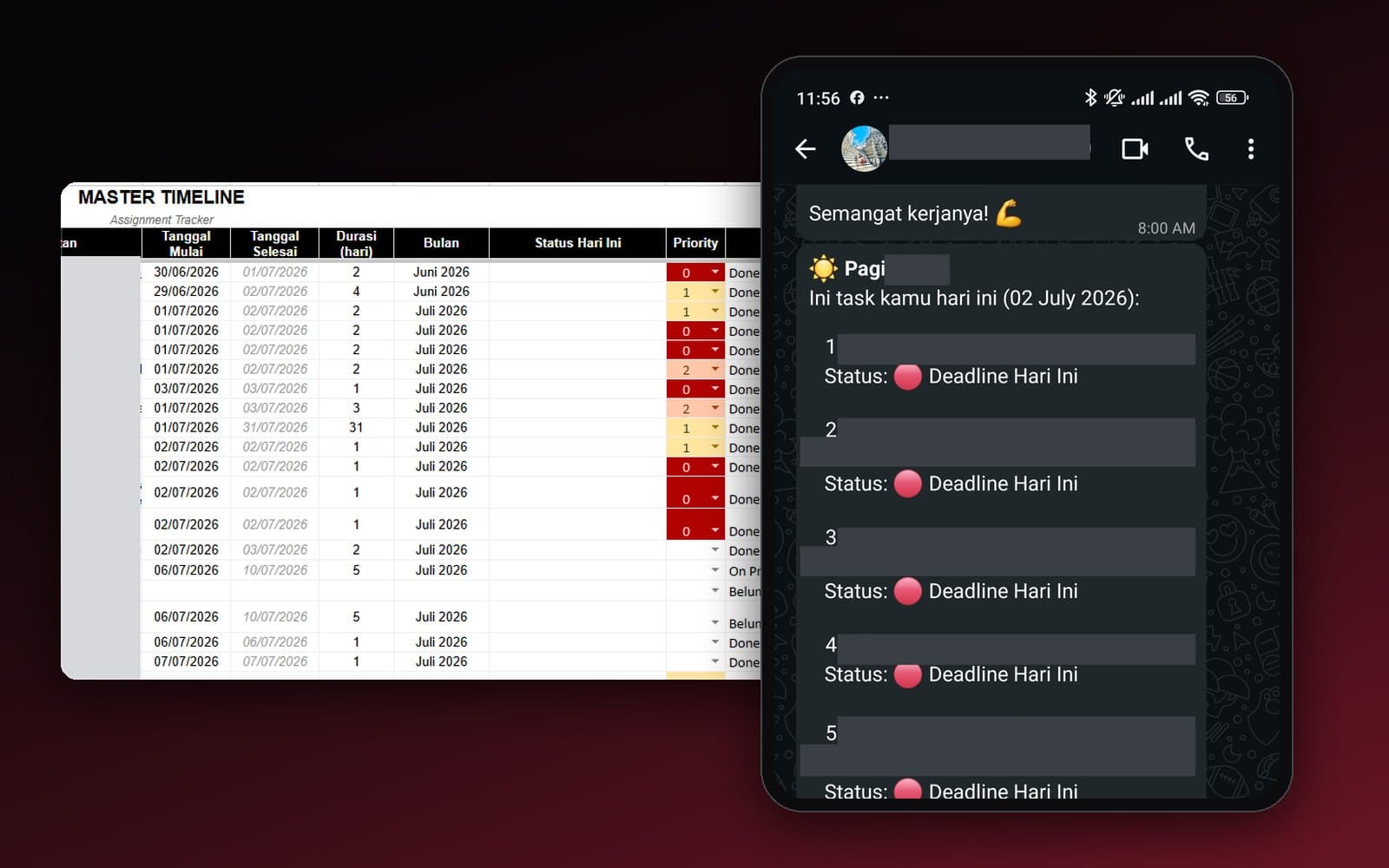
Team Task Reminders Over WhatsApp, Weekly to One-Off, Managed From One Place
Weekly, monthly, and one-off task reminders sent automatically to the team's WhatsApp every morning, with settings the team can change themselves in the sheet, no developer needed.
Read case study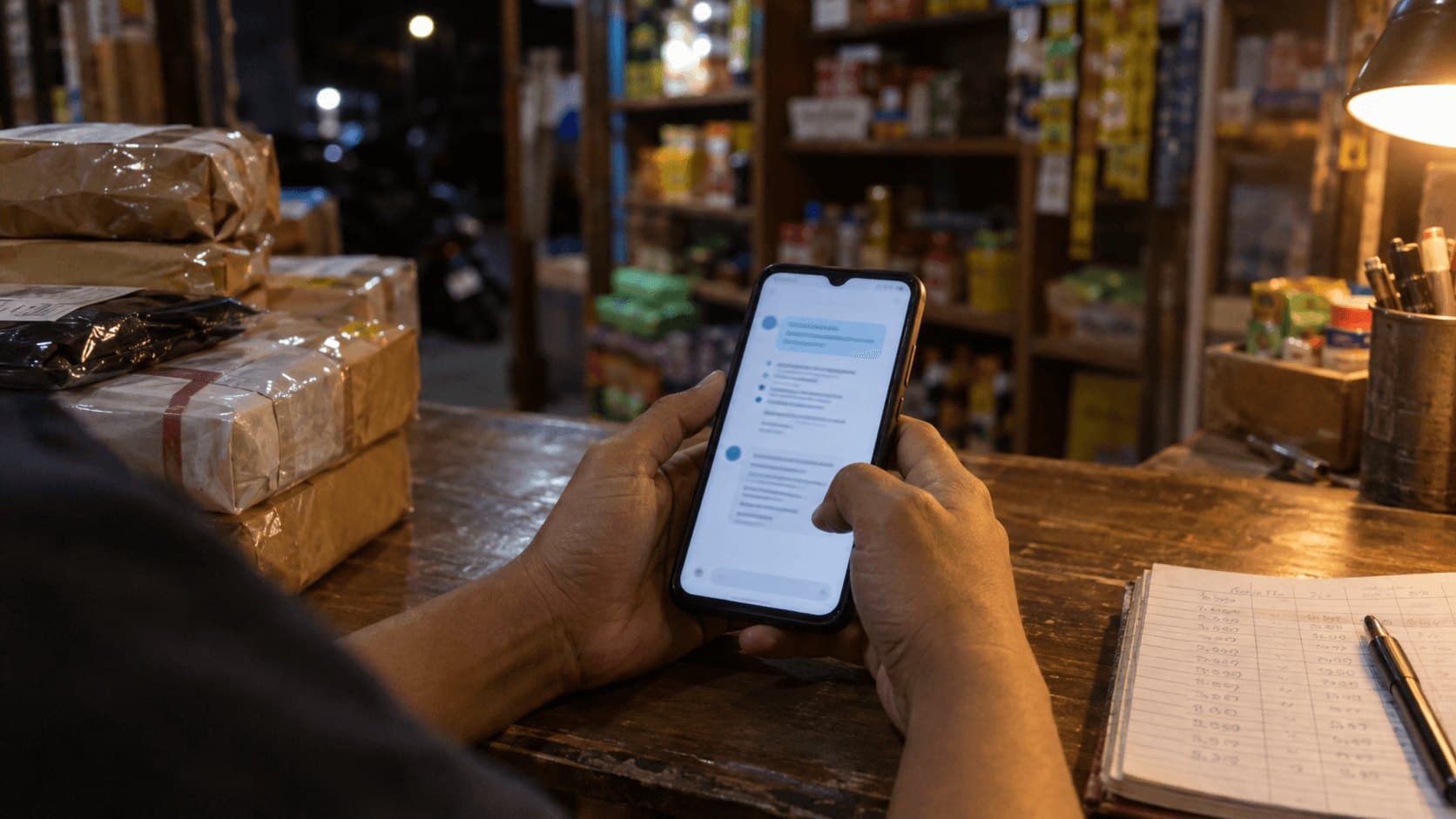 AI & Automation
Retail business
Thousands of WhatsApp Chats, a Two-Person Team: Letting the Owner Monitor Without Reading Everything
The owner gets an automatic recap every night at 9pm covering closed deals, complaints, and follow-ups, without reading every chat one by one.
Read case study