From 1 Hour per Design to 3 Minutes: an AI Image Generator for Social Media Content
Case study: an AI image generator for social media content with Gemini and Google Apps Script, cutting one design from 30–60 minutes down to 3.
- Client
- A national-scale digital platform
- Role
- Automation & AI Engineer
- Tools
- Gemini 2.5 Flash Image API, Google Apps Script, Google Sheets, Google Drive
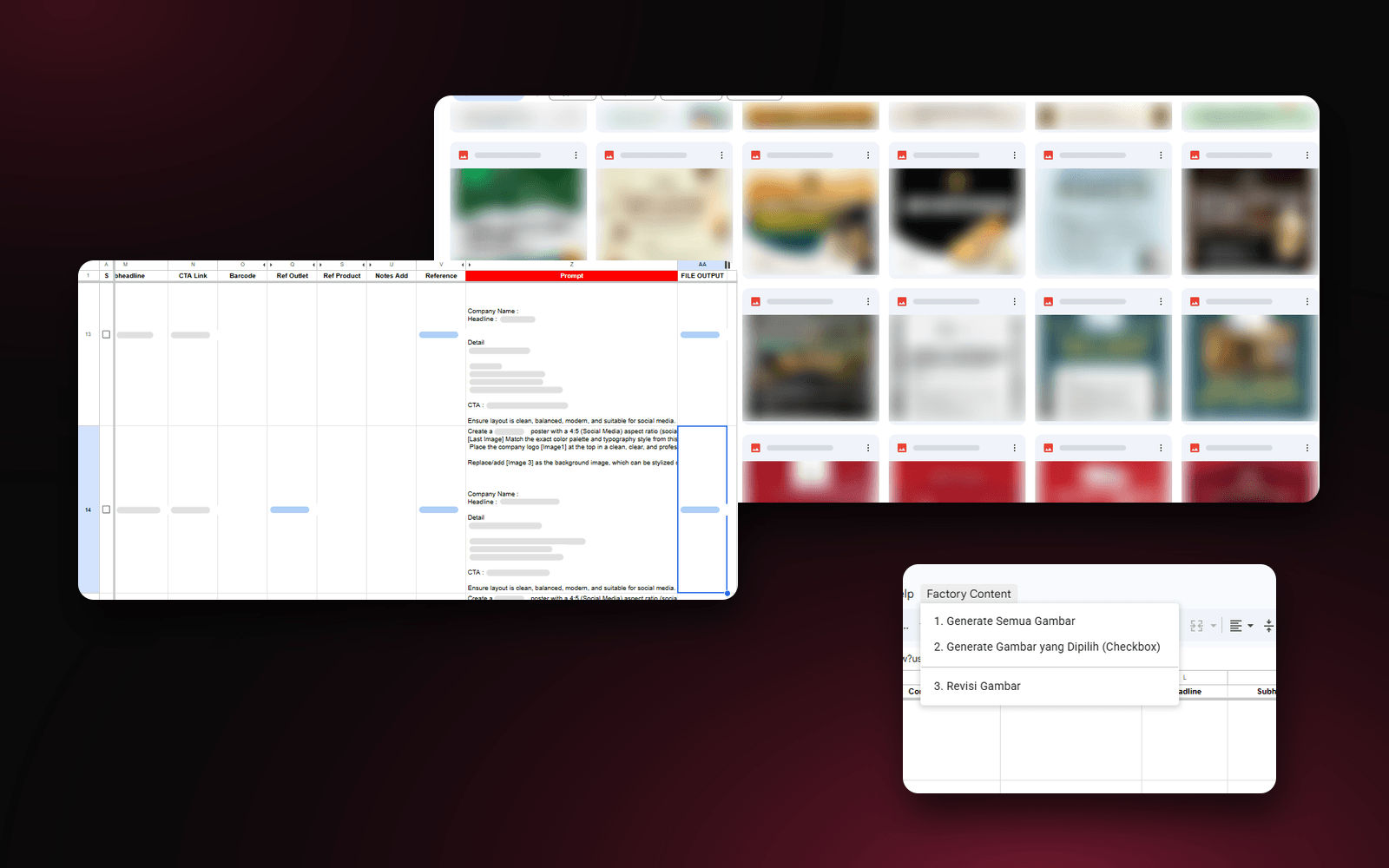
I worked with a national-scale digital platform that has to fill its social media every day with promotional content for dozens of partner brands, from F&B and retail to cinemas. The volume is high, the formats are similar, and what's needed isn't the best-looking design, it's a design that's clean enough and done fast.
I built an AI image generator on Google Apps Script and the Gemini 2.5 Flash Image API. The team just fills in a table in Google Sheets, and the image generates itself and gets saved neatly to Google Drive.
The problem: graphic designers burning out on repetitive work
Every day the graphic design team had to produce 10 to 15 pieces of content. The content was repetitive and didn't need high quality, what mattered was hitting the volume. One design could take 30 minutes to an hour.
As a result, designers' time went into high-volume content, and the work that actually needed high quality got less attention.
The approach: patterned prompts, not typing from scratch
I noticed people's problems with AI image generation usually come down to the prompt. But for content like this, there's actually a pattern that stays the same every time: where the logo goes, which image or product asset gets used, and what the copy says. All of that material was already available.
So instead of everyone writing their own prompt, I turned that pattern into columns in a table. A formula assembles the prompt, Apps Script runs it, the AI generates the image, and even a non-technical person can use it right away.
- 1Fill in the tableIndustry, design style, color, photo, logo, and copy
- 2Prompt from a formulaThe prompt is assembled from the same pattern
- 3Apps ScriptRuns the generation from a menu in Sheets
- 4Gemini APIGenerates the image with the logo and reference assets
- 5Google DriveFile saved neatly, its link added to the table
What I built
A table that acts as the design "brief"
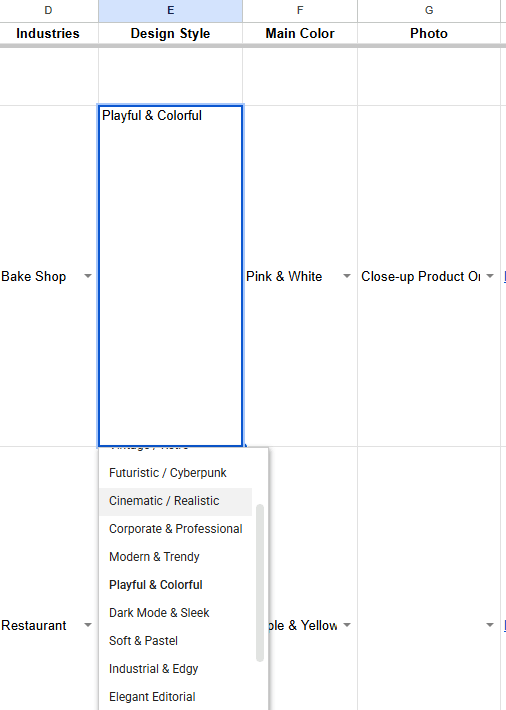
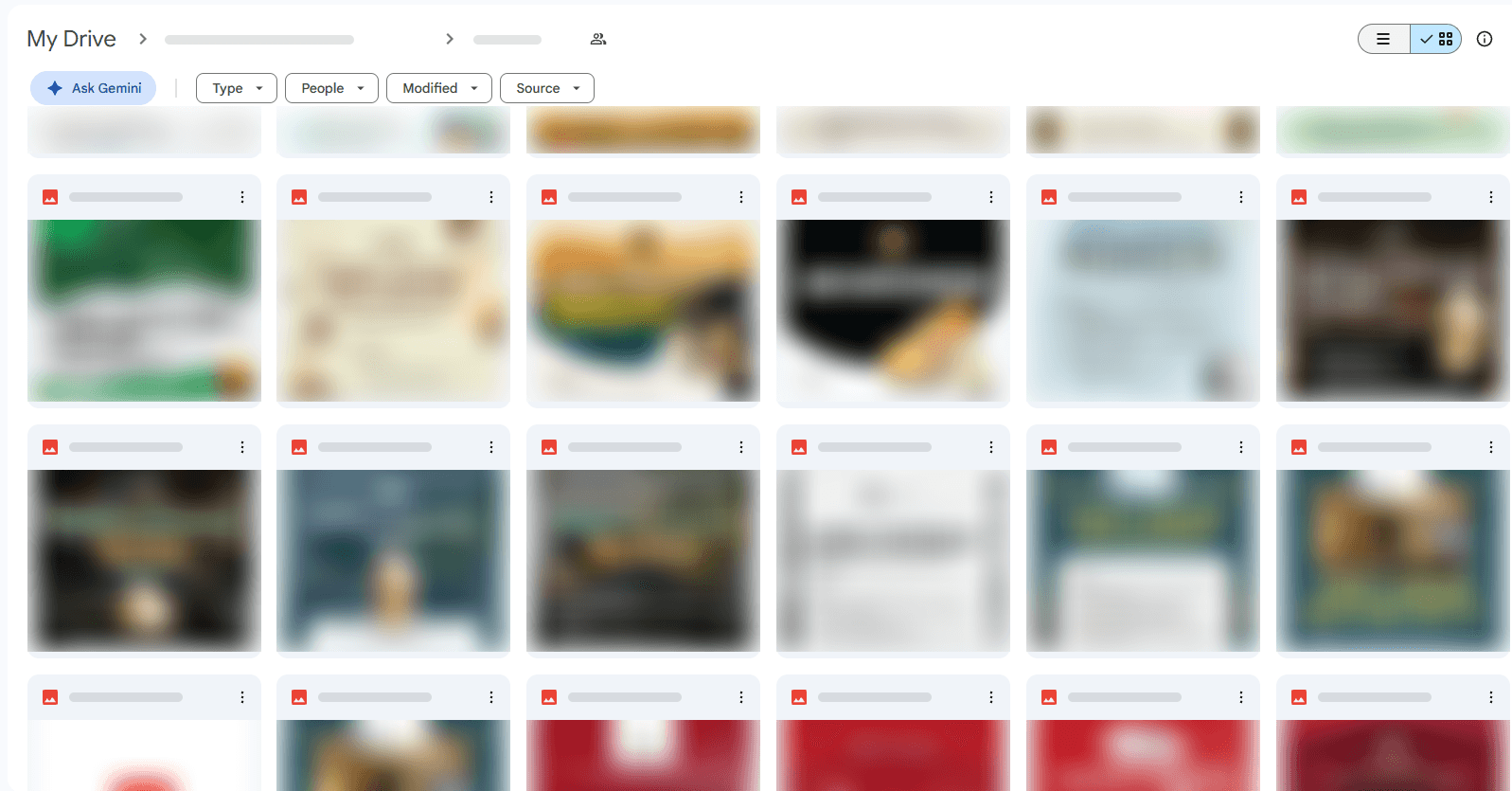
Every design input is filled in through a table in Google Sheets. Industry, design style, main color, and photo type are picked from dropdowns, so the results stay consistent and no one has to think up prompt wording. The design style is just a pick from a list, from Minimalist & Clean and Playful & Colorful to Corporate & Professional and Cinematic / Realistic.
The prompt is assembled automatically
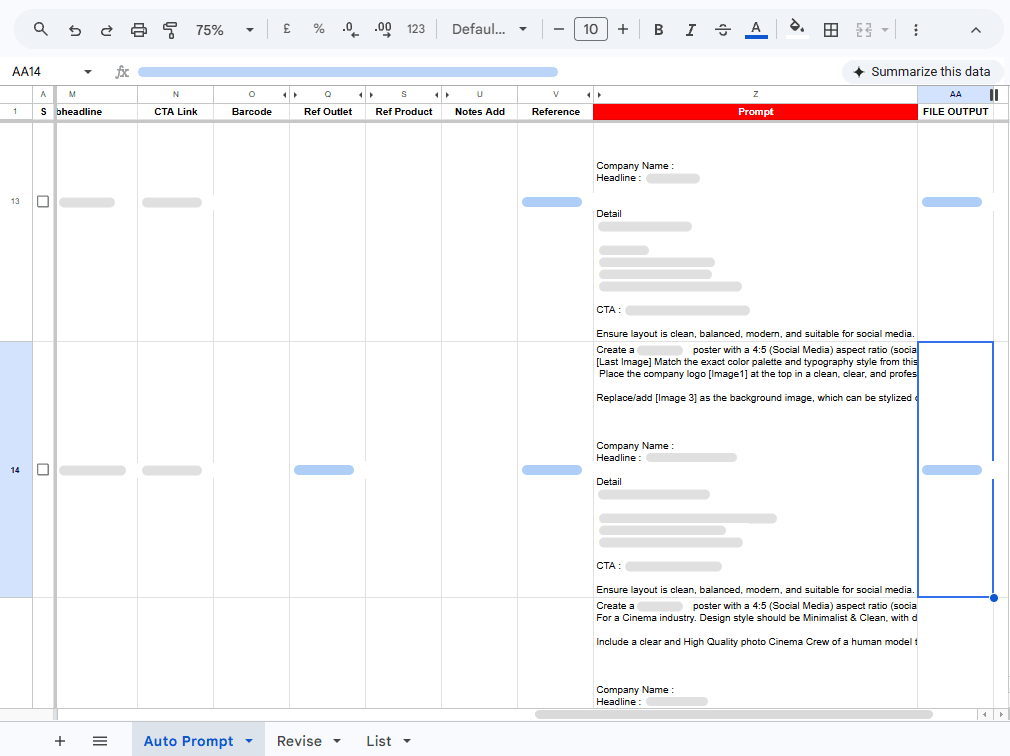
From the table's contents, a formula in Google Sheets assembles a complete prompt in the Prompt column: a 4:5 ratio for social media, logo position, a reference image for the background, the color style and typography to follow, and the headline, details, and CTA. Logo, asset, and reference links just get pasted into their column, and the finished image shows up in the FILE OUTPUT column.
Generate from one menu
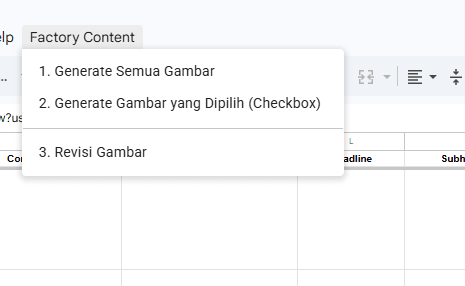
Once the prompt is ready, Apps Script sends it to Gemini. The admin just opens the Factory Content menu in Google Sheets: generate every image at once, generate only the checked rows, or revise an image that isn't quite right.
Results land neatly in Google Drive
Every finished image is saved straight into a Google Drive folder with consistent naming, so the team never has to download, rename, and move files one by one.
Results
Before
- One design took 30 minutes to an hour
- Designers spent their time on 10–15 repetitive pieces of content a day
- Work that needed high quality got less attention
After
- One image is done in 3 minutes
- A non-technical person just fills in the table, then generates
- Files organized neatly in Google Drive, designers free to focus on work that matters
- Per image, previously 30–60 minutes
- 3 minutes
- API cost per image, versus Rp 50,000–100,000 per design
- ±Rp 700
- Cheaper for high-volume content
- 70–140x
Team productivity went up, and production costs dropped sharply. Designers now have time again for work that genuinely needs a creative touch, while high-volume content runs without them.
Is your team still doing something by hand?
Tell me about it, and let's find the fix together.
More case studies
 AI & Automation
Social media agency
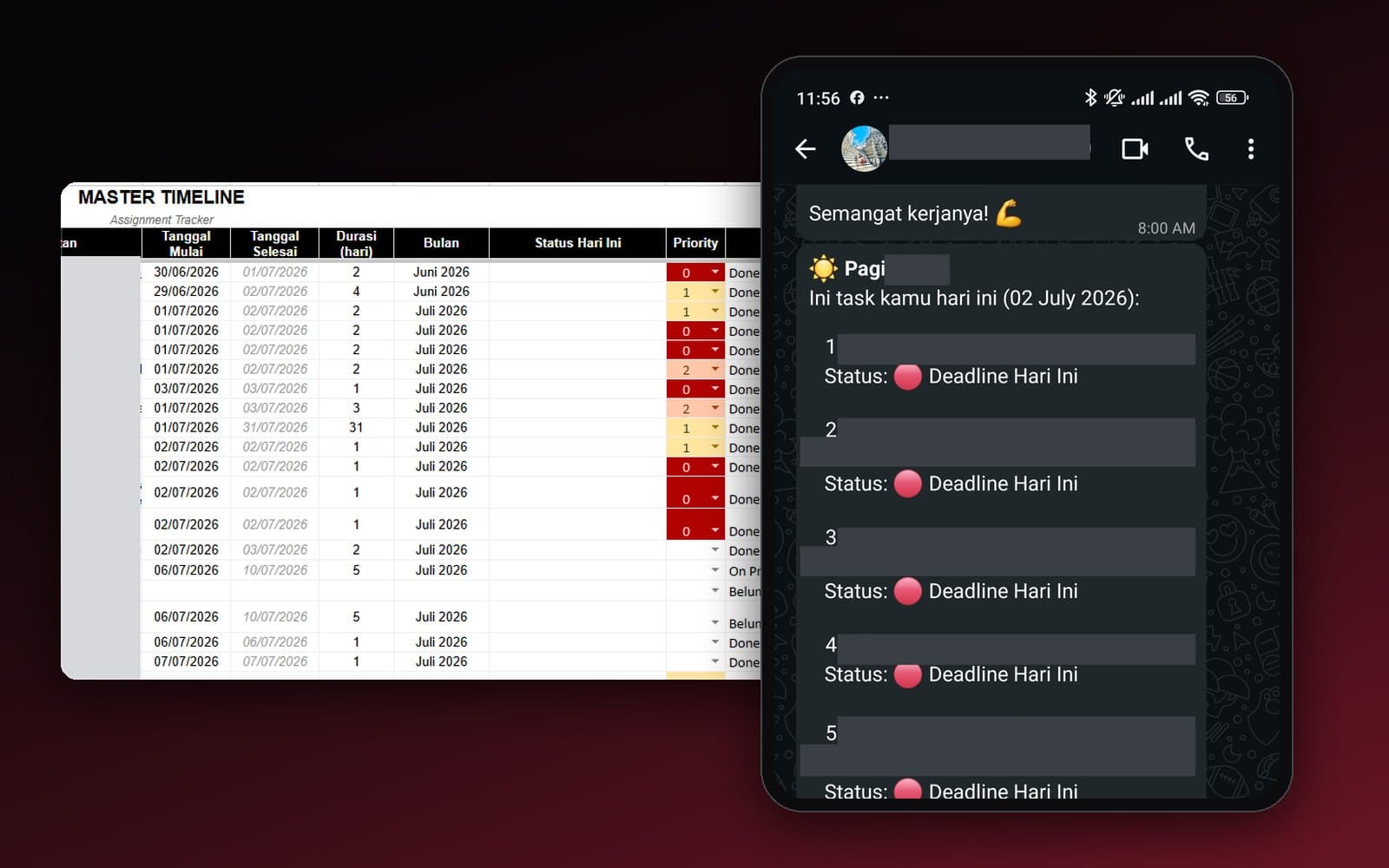
Team Task Reminders Over WhatsApp, Weekly to One-Off, Managed From One Place
Weekly, monthly, and one-off task reminders sent automatically to the team's WhatsApp every morning, with settings the team can change themselves in the sheet, no developer needed.
Read case study AI & Automation
Retail business
Thousands of WhatsApp Chats, a Two-Person Team: Letting the Owner Monitor Without Reading Everything
The owner gets an automatic recap every night at 9pm covering closed deals, complaints, and follow-ups, without reading every chat one by one.
Read case study