One Dashboard for Every Client Social Channel, With No More Hand-Built Periodic Reports
Case study: an all in one social media dashboard in Looker Studio for Kyon Studio, putting Facebook, Instagram, Meta Ads, TikTok and the website in one report clients can check anytime.
- Client
- Kyon Studio
- Role
- Reporting & Automation Lead
- Tools
- Looker Studio, Social Media Management APIs, Google Workspace & Admin Console, Google Ads & Analytics
The social media agency's clients wanted to see how their accounts were doing anytime, not wait for a report at the end of the month. Meanwhile, Kyon Studio's internal team was spending far too much time putting reports together by hand.
I owned the reporting and automation side. The answer was one Looker Studio dashboard that brings the social media management tools together, so every channel is tracked from one place and periodic client reports run automatically. A note on the name: since April 16, 2026, Google has gone back to the product's original name, Data Studio. I still call it Looker Studio here, because that's the name it had when this dashboard was built.
The problem: scattered data, hand-built reports
One client can be active on several channels at once: Facebook, Instagram, Meta ads, TikTok and a website. The data lives in different places, so every reporting period the team had to collect numbers from each platform and assemble them one by one.
That hurt more as clients and work piled up. The team's time went into building reports, while clients still wanted to see their progress without having to ask first.
What I did
Bringing every data source together
Data from the social media management tools is pulled through their APIs, combined with Google Ads and Google Analytics data, and everything lands in one dashboard:
- 1Data sourcesFacebook, Instagram, Meta Ads, TikTok, website
- 2APIs and connectorsSocial media tools, Google Ads, Analytics
- 3Looker StudioOne dashboard, every channel
- 4Clients and teamCheck anytime, periodic reports on autopilot
A report laid out channel by channel
The dashboard follows the way clients read their performance, from the overview down to each channel's details:
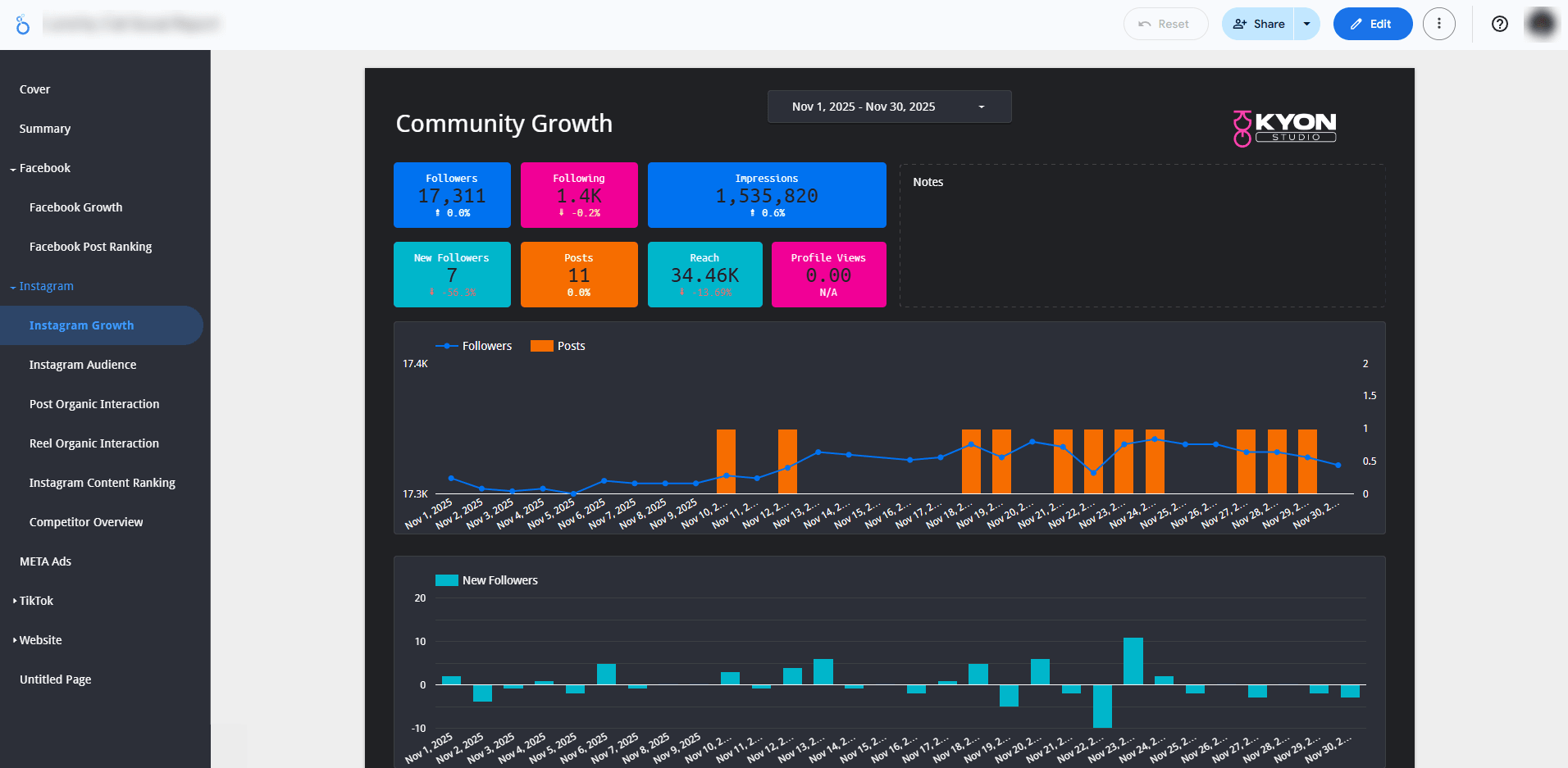
- Cover and Summary for the big picture.
- Facebook: Growth and Post Ranking.
- Instagram: Growth, Audience, Post Organic Interaction, Reel Organic Interaction, Content Ranking and Competitor Overview.
- Meta Ads, TikTok and Website in their own sections.
A sample page, Instagram Growth
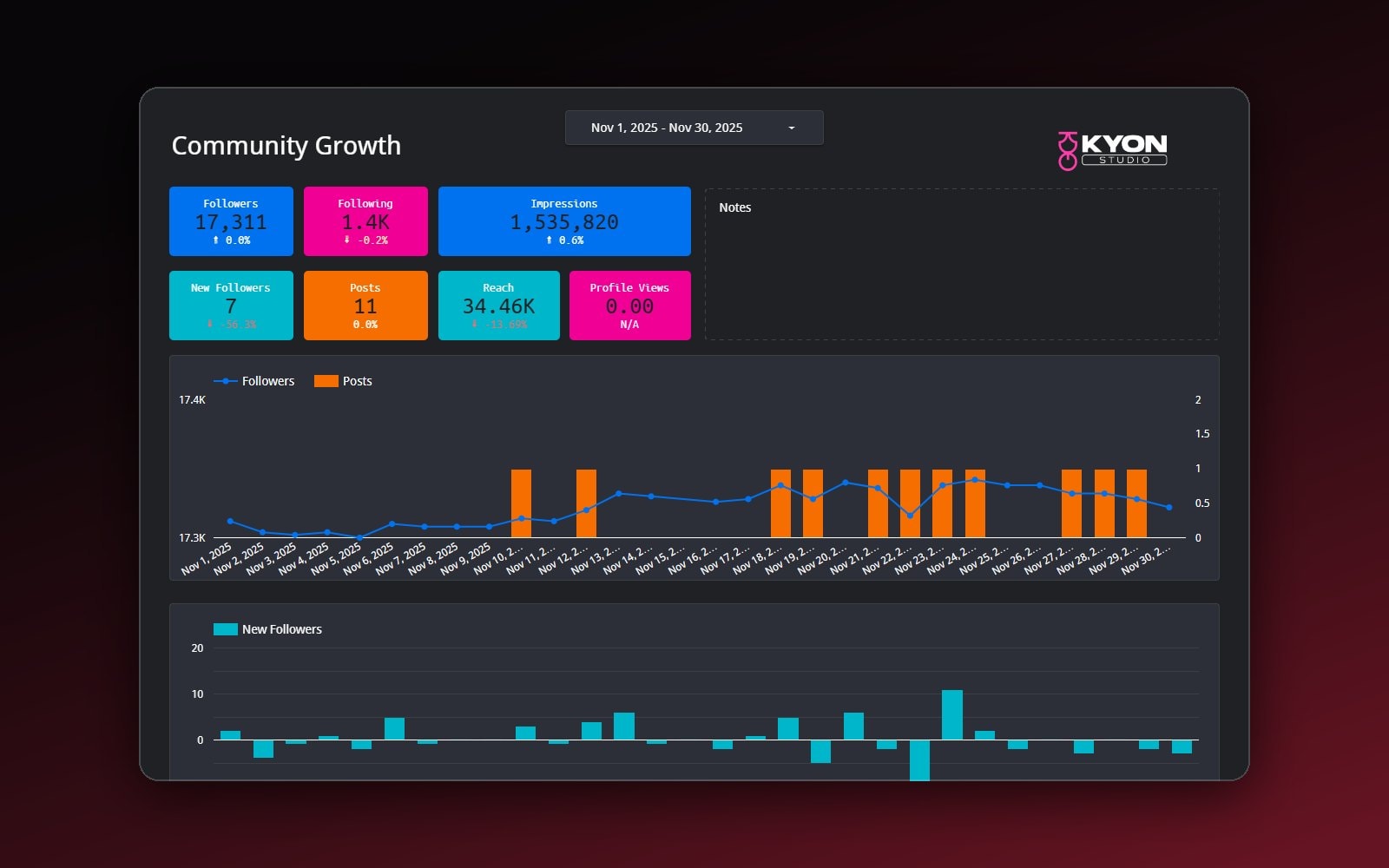
On this page, clients pick their own date range. The score tiles at the top show Followers, Following, Impressions, New Followers, Posts, Reach and Profile Views, each with its percentage change. Below are a chart of followers and posts per day and a chart of daily new followers. The Notes box beside them is there for the team's comments.
Access and periodic reports
Accounts and dashboard access are managed through Google Workspace and the Admin Console, so clients can open their dashboard themselves anytime. I also automated the periodic client reports, so the team no longer builds them by hand every period. For this kind of need, Data Studio has scheduled delivery, which emails the report as a PDF attachment along with a preview of the first page and a link to the full report.
Results
- Every channel's performance is tracked from one dashboard, and clients can check it anytime.
- Periodic client reports run automatically.
- The team's workflow is simpler and reporting is faster.
- The team handles a steadily growing workload without adding full-time staff.
- Channels: Facebook, Instagram, Meta Ads, TikTok and website
- 5
- Dashboard to watch them all
- 1
- Extra full-time hires
- 0
What I learned
A useful dashboard isn't the one with the most charts, but the one that answers clients' questions before they get the chance to ask. When clients can see their own progress, the team's time goes to what actually needs people: reading those numbers and deciding the next move. I wrote more about when periodic reports are worth automating in Your Team Stays Up Every Month-End Compiling Reports: When Is It Worth Automating?
Is your team still doing something by hand?
Tell me about it, and let's find the fix together.
More case studies
 AI & Automation
Social media agency
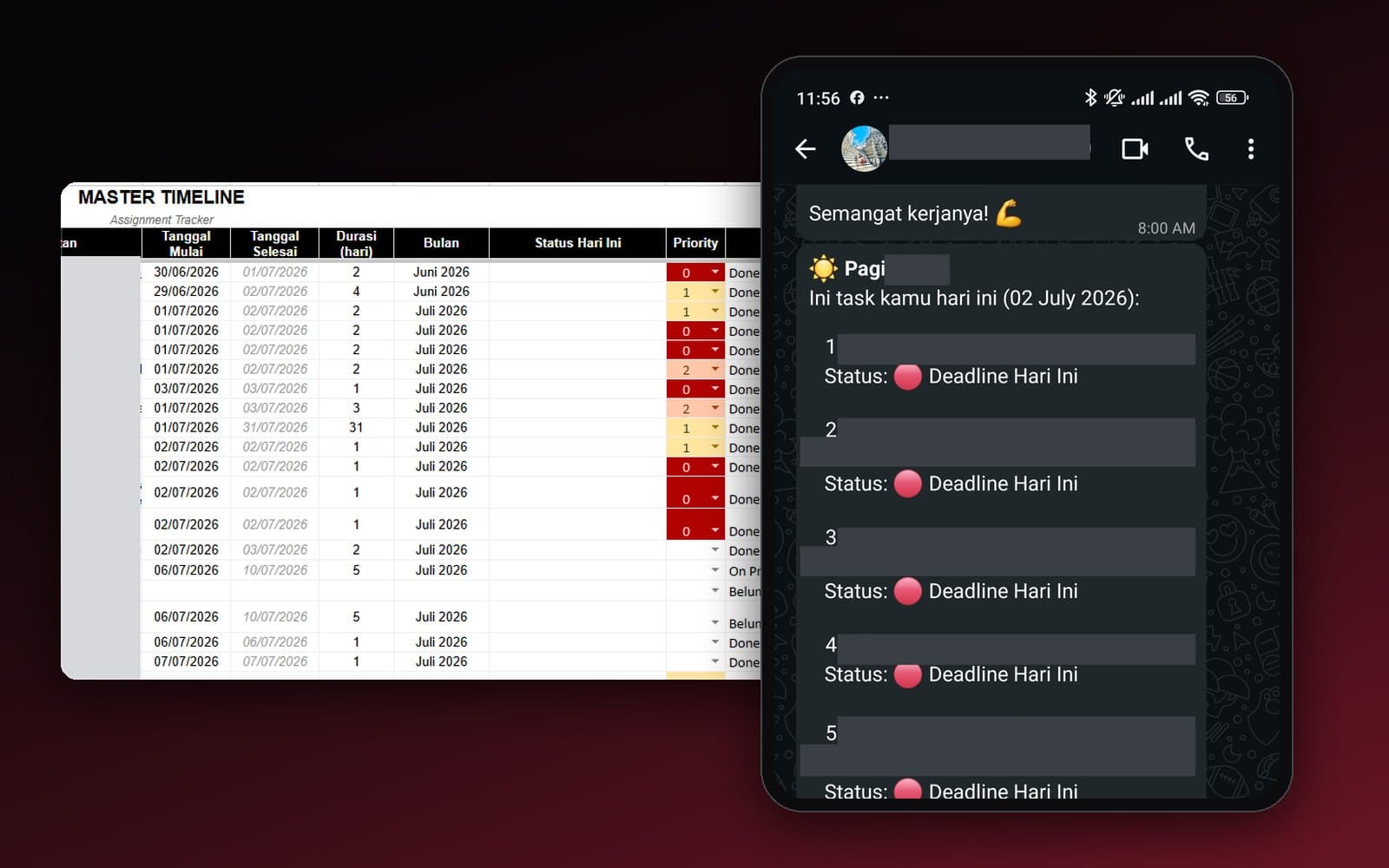
Team Task Reminders Over WhatsApp, Weekly to One-Off, Managed From One Place
Weekly, monthly, and one-off task reminders sent automatically to the team's WhatsApp every morning, with settings the team can change themselves in the sheet, no developer needed.
Read case study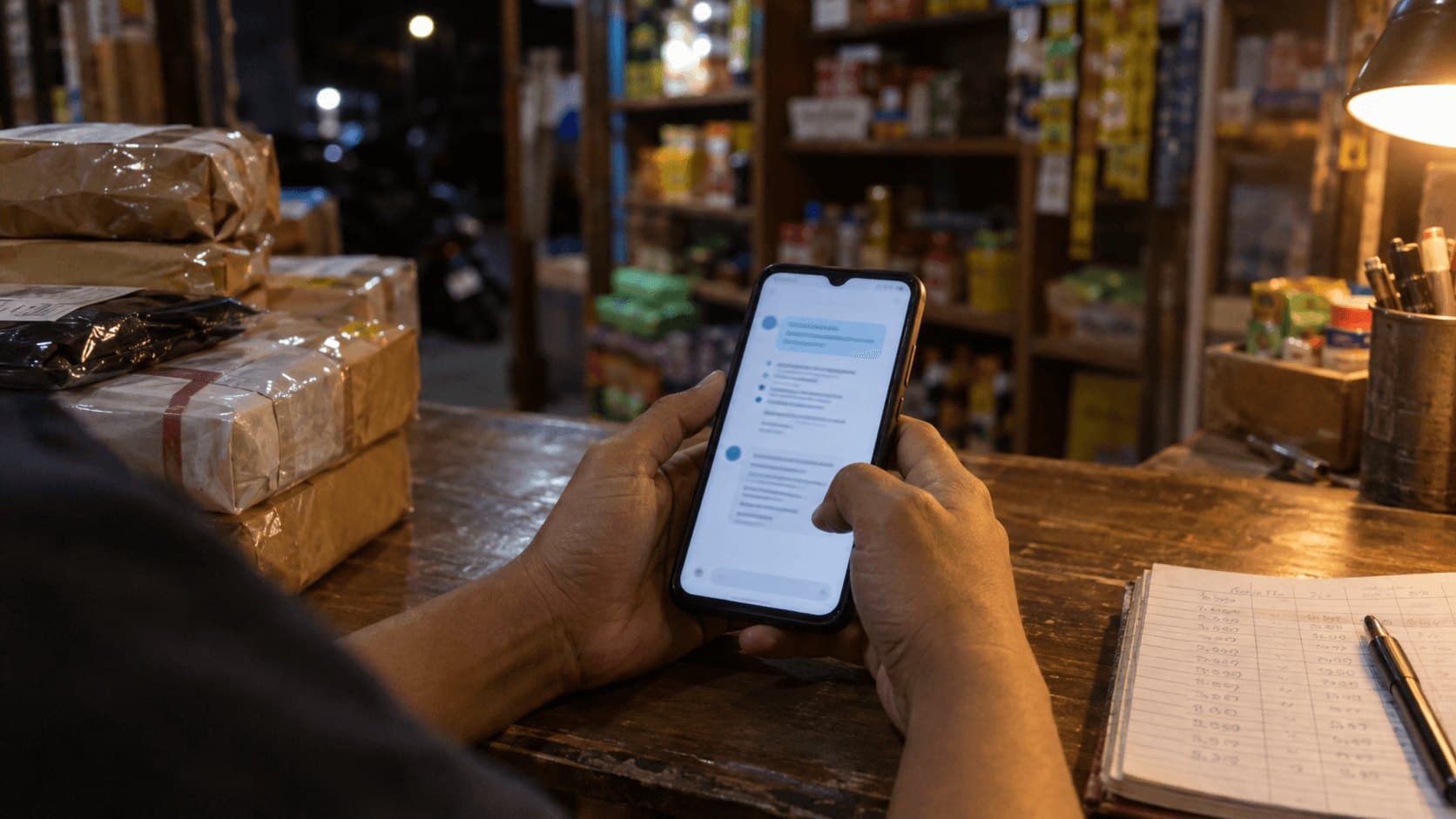 AI & Automation
Retail business
Thousands of WhatsApp Chats, a Two-Person Team: Letting the Owner Monitor Without Reading Everything
The owner gets an automatic recap every night at 9pm covering closed deals, complaints, and follow-ups, without reading every chat one by one.
Read case study