From Paper and WhatsApp Chats to an Integrated Warehouse Management System
Case study: a warehouse management system for Mutiara Mutu Sertifikasi (MMS), moving from paper and WhatsApp onto Sheets, Apps Script, and Drive.
- Client
- Mutiara Mutu Sertifikasi (MMS)
- Role
- Automation & AI Engineer
- Tools
- Google Apps Script, Google Sheets, Google Drive
- Duration
- 1 month
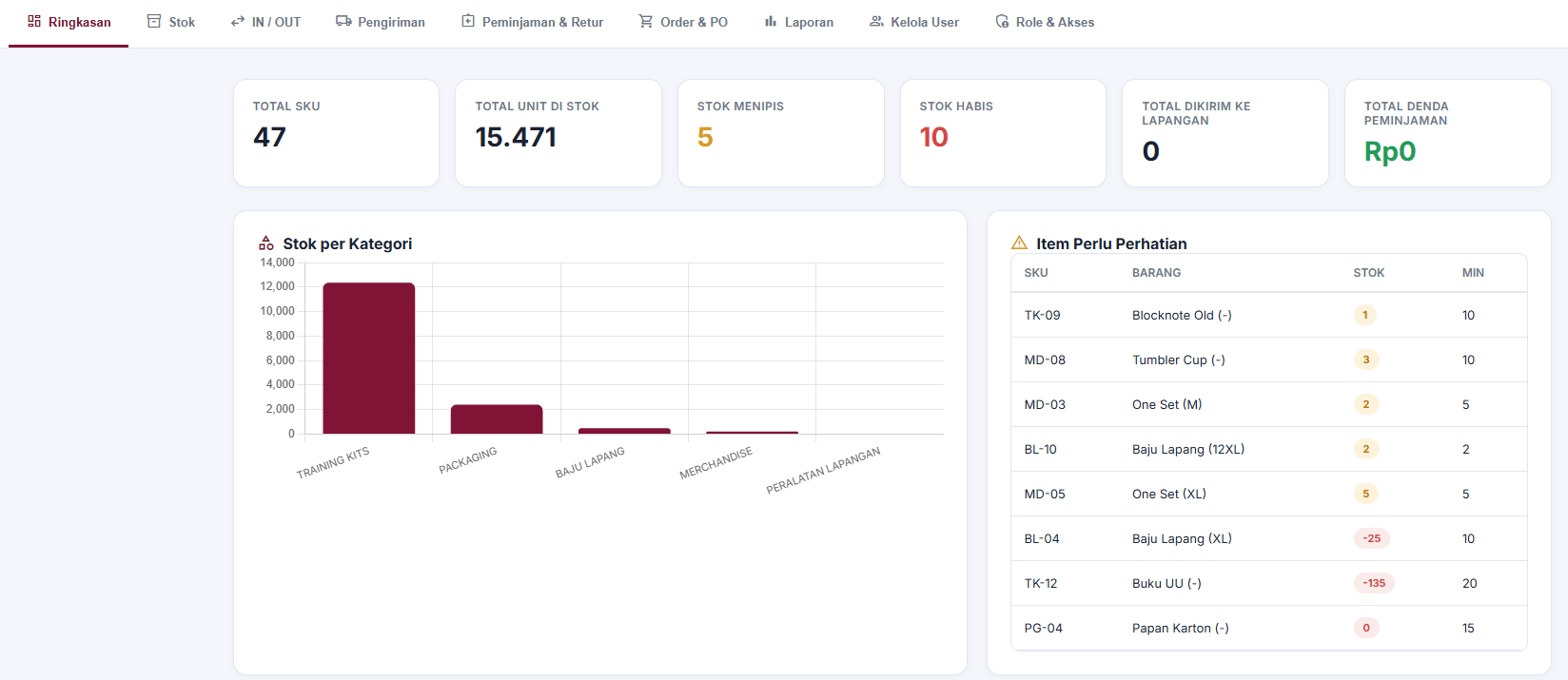
The Mutiara Mutu Sertifikasi (MMS) warehouse stores items for training and field operations: training kits, packaging, field uniforms, merchandise, and field equipment. Before, every record was kept on paper and in plain spreadsheets, while documentation photos were sent over WhatsApp.
In one month, I built a warehouse management system on Google Apps Script, Google Sheets, and Google Drive. The goal was simple: get all the warehouse data into one place, visible to everyone from the field team up to the CEO/COO.
The problem: warehouse data scattered everywhere
The warehouse ran fine, but its data was scattered. Three things caused the most trouble:
- Everything recorded by hand. Items coming in and out were logged on paper and in separate spreadsheets, so the data easily fell out of sync and input errors were common.
- Documentation buried in WhatsApp. Photos and proof were sent over chat, so they were hard to find again when needed.
- Management couldn't see the warehouse's condition. To find out about stock or item status, the CEO/COO had to ask the team directly, which turned into micromanaging.
The approach: one source of data in Google Workspace
The MMS team was already used to spreadsheets, so I built the system on tools they already knew. Google Sheets became the database, Google Apps Script ran the logic and the app's interface, and Google Drive stored all the documentation. No dedicated server needed.
I also separated access by role. The warehouse manager, staff, field team, and CEO/COO each see and work on the part that's actually their responsibility.
- 1Field inputBarcode scan and documentation photo
- 2Google Apps ScriptProcesses every transaction
- 3Google Sheets & DriveStock data and documentation stored neatly
- 4DashboardMonitored by everyone from the warehouse manager to the CEO/COO
What I built
I split the system into modules that follow the warehouse's day-to-day workflow:
- Summary: total SKUs, units in stock, low and out-of-stock items, stock by category, and items needing attention.
- Stock: the full item list per SKU.
- IN / OUT: items coming in and going out, individually or in bulk, with batch, location, vendor or training program, timestamp, and photo.
- Shipping: the status of items shipped to the field.
- Borrowing & Returns: items borrowed and returned, including penalties.
- Order & PO: order and purchase order status.
- Reports: automatic summaries, no manual recaps.
- User Management and Roles & Access: user settings and access rights for each role.
Barcode scans, documentation straight into Drive
The field team and staff log transactions by scanning a barcode. Documentation photos that used to be sent over WhatsApp are now saved straight to Google Drive and recorded with the transaction.
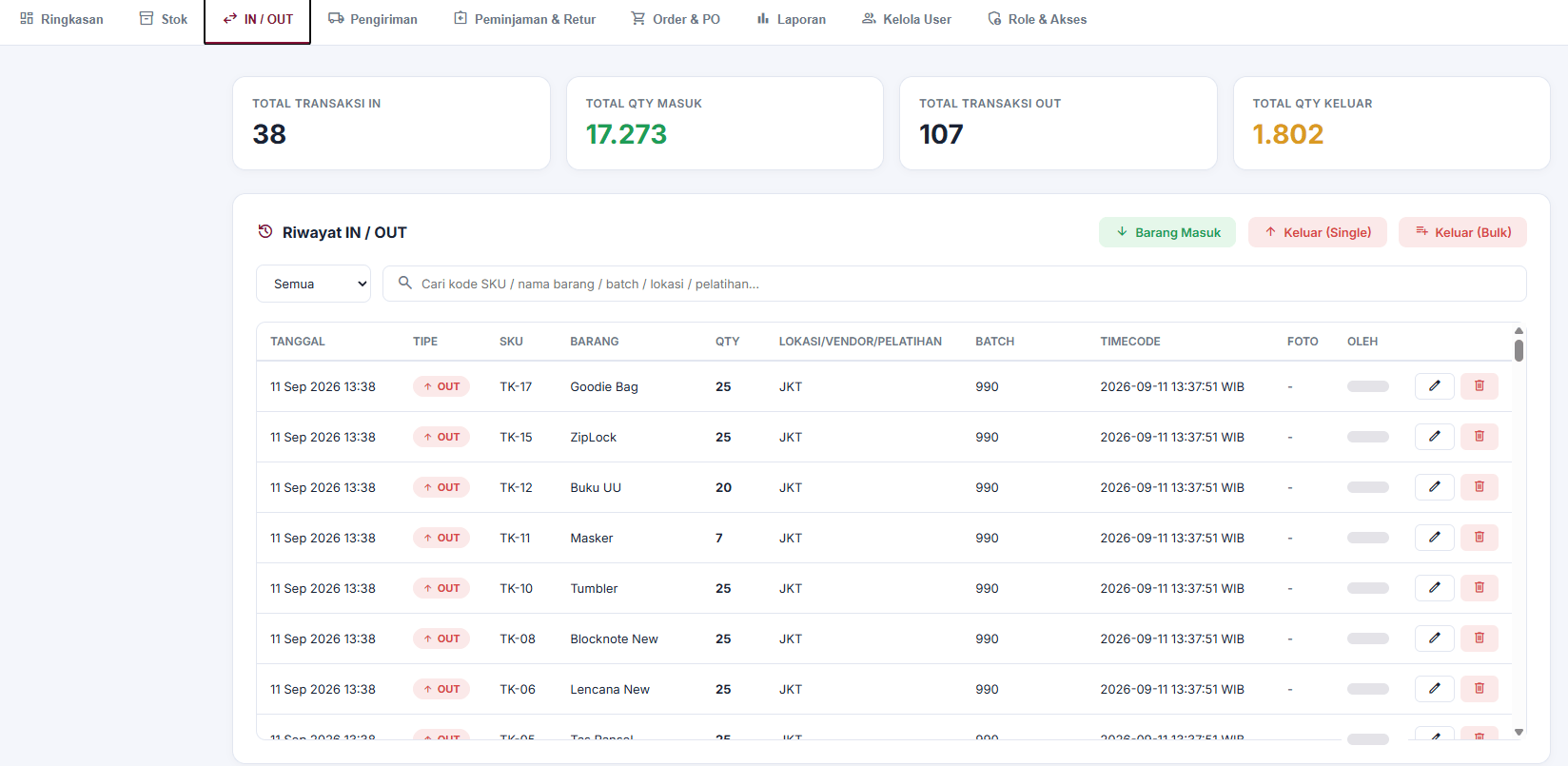
Low stock caught earlier
Every item has a minimum threshold I set up from the start. Once its stock hits that threshold, the item goes into the Needs Attention list and triggers an automatic notification, so restocking can be planned before the item actually runs out.
Results
Before
- Records kept on paper and in separate spreadsheets
- Documentation photos sent over WhatsApp and scattered there
- Management had to ask the team to find out the warehouse's condition
After
- Every transaction goes into one integrated system
- Documentation is saved neatly to Google Drive automatically
- The CEO/COO monitors it directly from the dashboard
Now all the warehouse data is integrated, so input errors are far less common. Documentation is tidy and goes straight into Drive. The warehouse manager, staff, field team, and CEO/COO all see the same data, so management can monitor things without having to micromanage. I built the whole thing in one month.
Reflection
The biggest change wasn't the technology, it was the workflow. Once everyone logs data in the same place, the warehouse becomes more transparent on its own. And because I built it on Google Workspace, which the team already used, the system is also easy for me to keep extending going forward.
Is your team still doing something by hand?
Tell me about it, and let's find the fix together.
More case studies
 AI & Automation
Social media agency
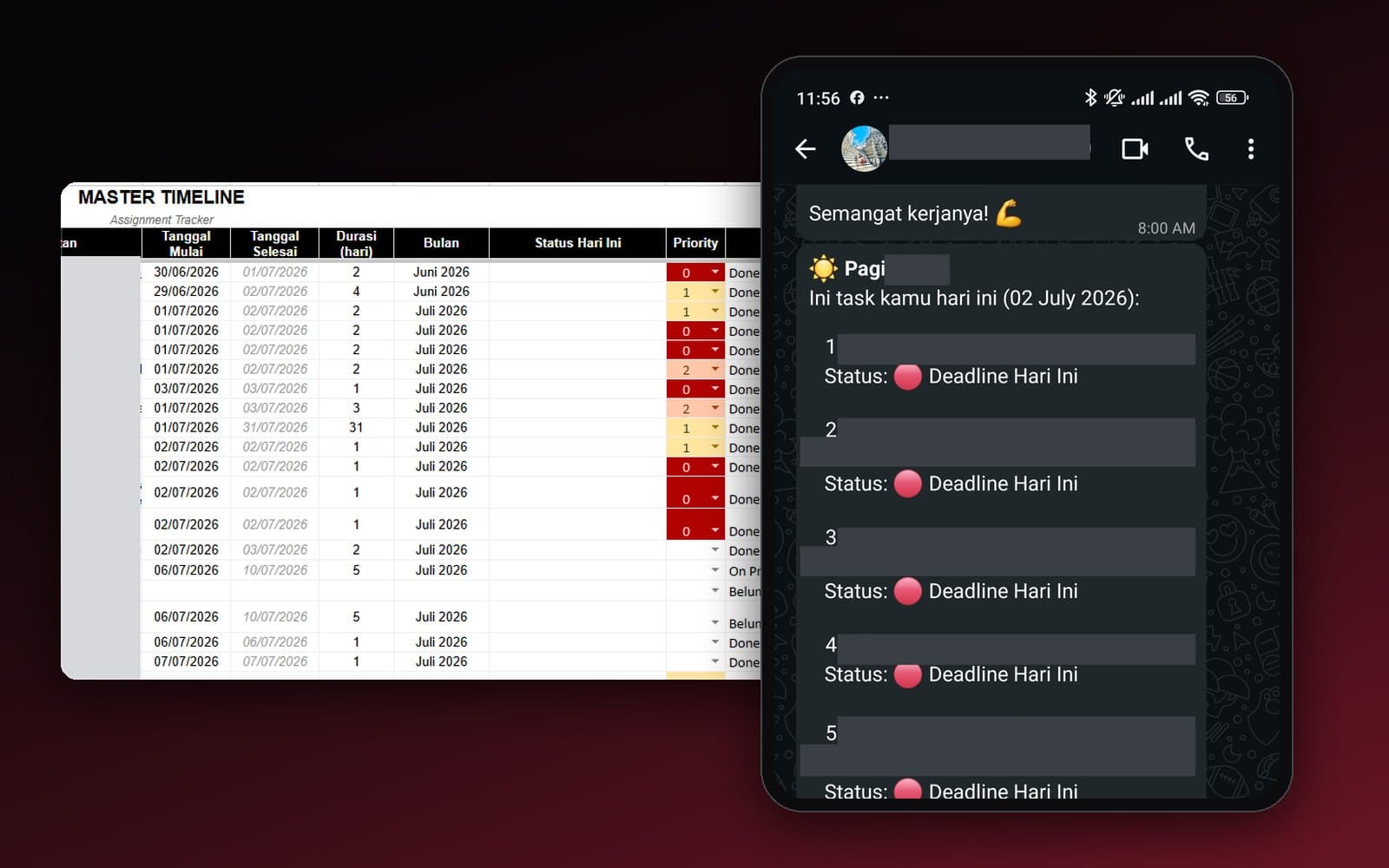
Team Task Reminders Over WhatsApp, Weekly to One-Off, Managed From One Place
Weekly, monthly, and one-off task reminders sent automatically to the team's WhatsApp every morning, with settings the team can change themselves in the sheet, no developer needed.
Read case study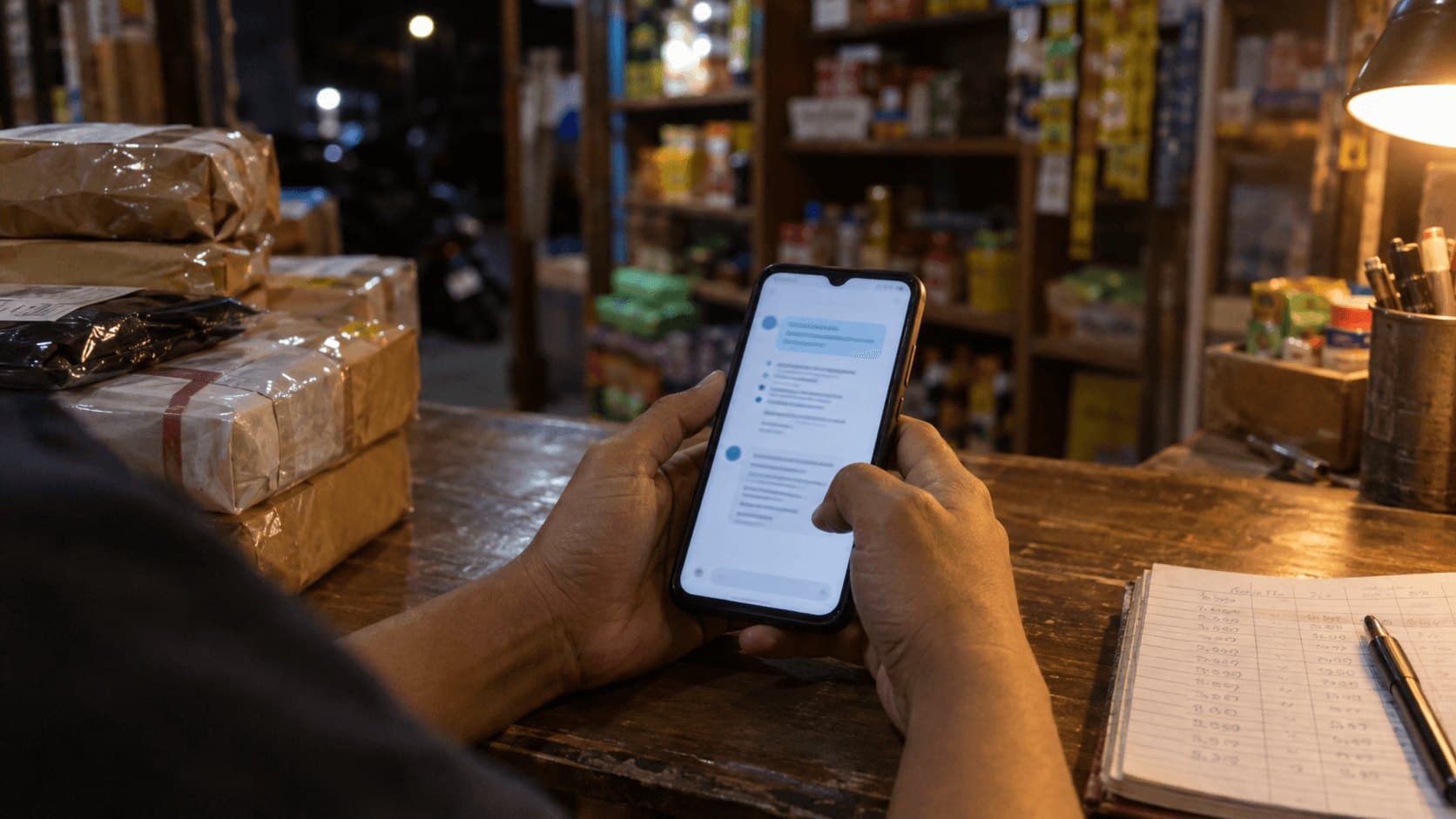 AI & Automation
Retail business
Thousands of WhatsApp Chats, a Two-Person Team: Letting the Owner Monitor Without Reading Everything
The owner gets an automatic recap every night at 9pm covering closed deals, complaints, and follow-ups, without reading every chat one by one.
Read case study