The Gemintang Website, a Digital Home for a Family Destination in Sawangan
Case study: a WordPress website for Gemintang Sawangan, a family destination with dining, play areas and event spaces, built as a home for traffic from content and ads.
- Client
- Gemintang
- Role
- Web Developer
- Tools
- WordPress
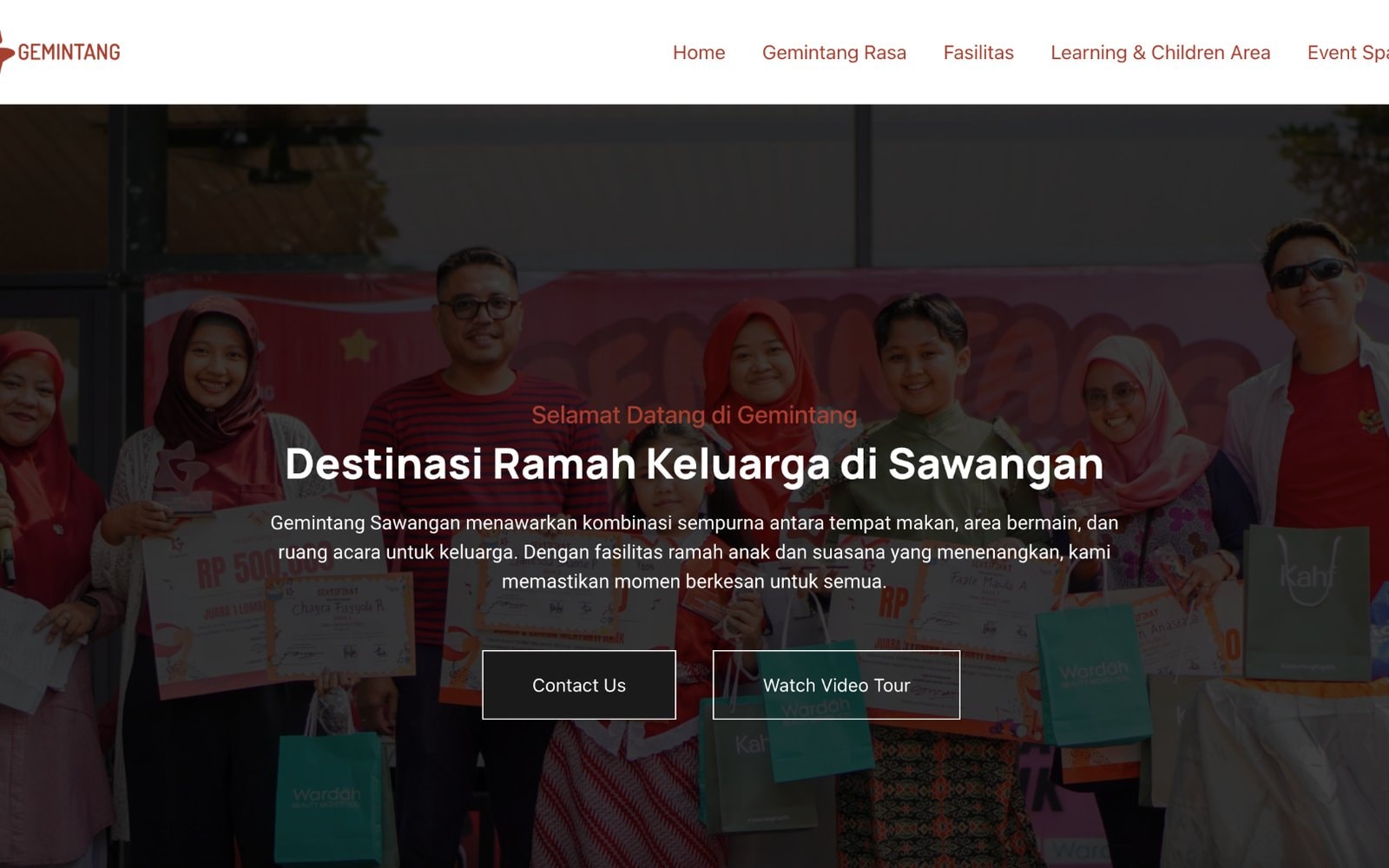
Gemintang is a family destination in Sawangan that combines dining, play areas and event spaces. Its social media content was already running, but traffic from content and ads needed a "home": a place where potential visitors could see everything on offer and contact Gemintang straight away.
I built the website myself on WordPress, from the page structure to the SEO basics. The domain it used is no longer active, so this case study uses a screenshot from when the site was live.
The challenge: one place, many reasons to visit
People come to Gemintang for different reasons. Some want somewhere to eat, families need a play area for their kids, and others want to rent a space for an event. The website had to let each of those groups find what they were looking for right away, without scrolling through social media posts one by one.
What I did
A page structure that follows why people come
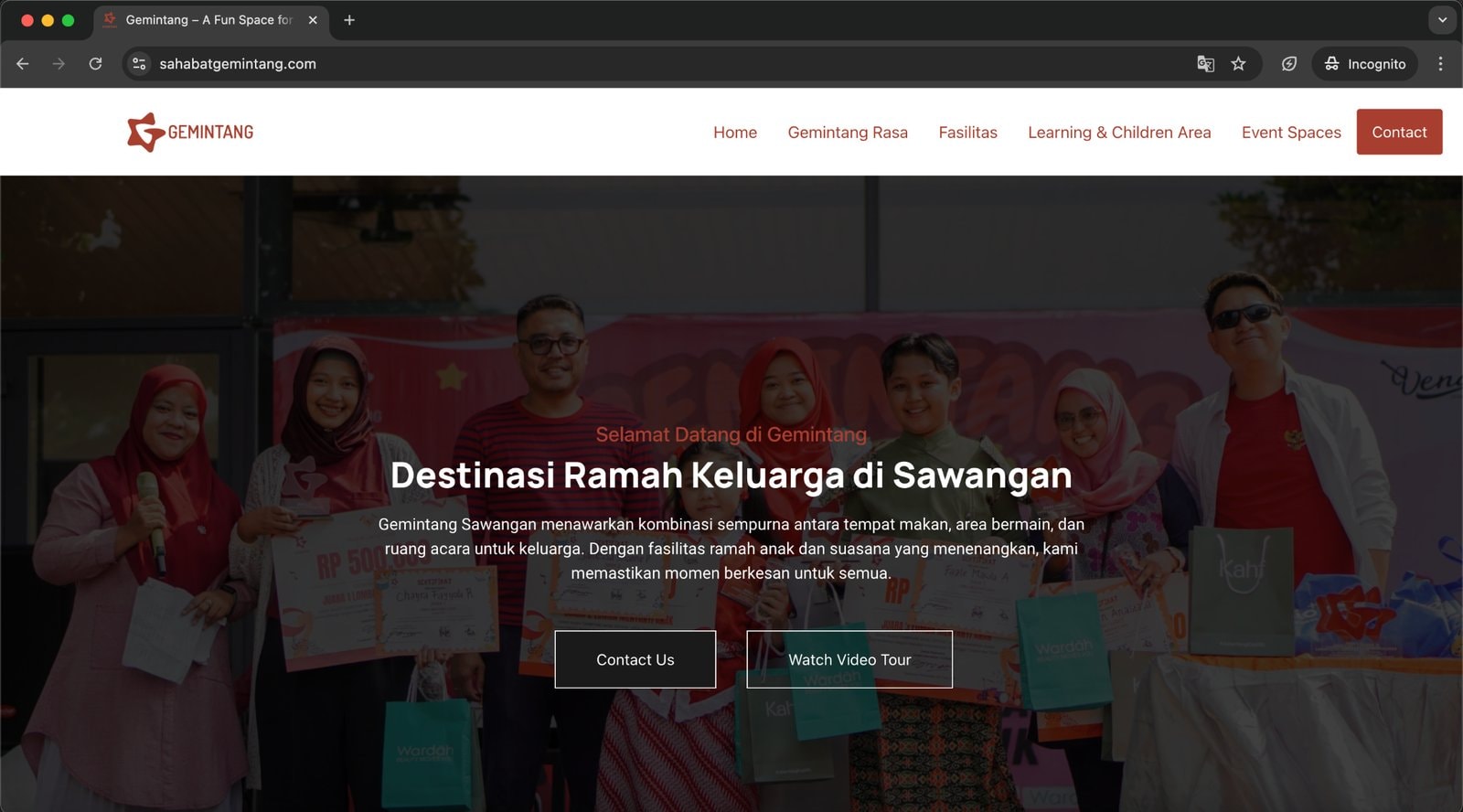
I organized the main menu around visitors' needs, so each group goes straight to its page:
- 1HomeAn overview of Gemintang and a video tour
- 2Gemintang RasaDining
- 3FasilitasPlay areas and family facilities
- 4Learning & Children AreaActivities for kids
- 5Event SpacesSpaces for events
A homepage that explains itself
As soon as it opens, the homepage answers "what is this place": a family-friendly destination in Sawangan combining dining, play areas and event spaces. There are two clear buttons, Contact Us to get in touch and Watch Video Tour to see the atmosphere first.
SEO and SEM basics
To make the website easy to find, I applied SEO and SEM basics, so the site could be found in search engines and support the marketing campaigns that were running. The website was also the destination for Gemintang's social media content, like the post below.

Results
- Gemintang got its own website bringing its dining, facilities, children's area and event spaces together in one place.
- Traffic from content and ads had a clear destination, complete with a button to get in touch straight away.
- SEO and SEM basics were set up so the website is easy to find in search engines.
What I learned
Content and ads can grab attention, but the decision to visit usually comes after people see the full picture. That's where a website does its job. For another company profile website I built, see Building PT Damai Sejahtera Metalindo's Company Profile Website From Scratch, and for the content direction behind the social media, see Directing Social Content for 10+ Brands.
Is your team still doing something by hand?
Tell me about it, and let's find the fix together.
More case studies
 AI & Automation
Social media agency
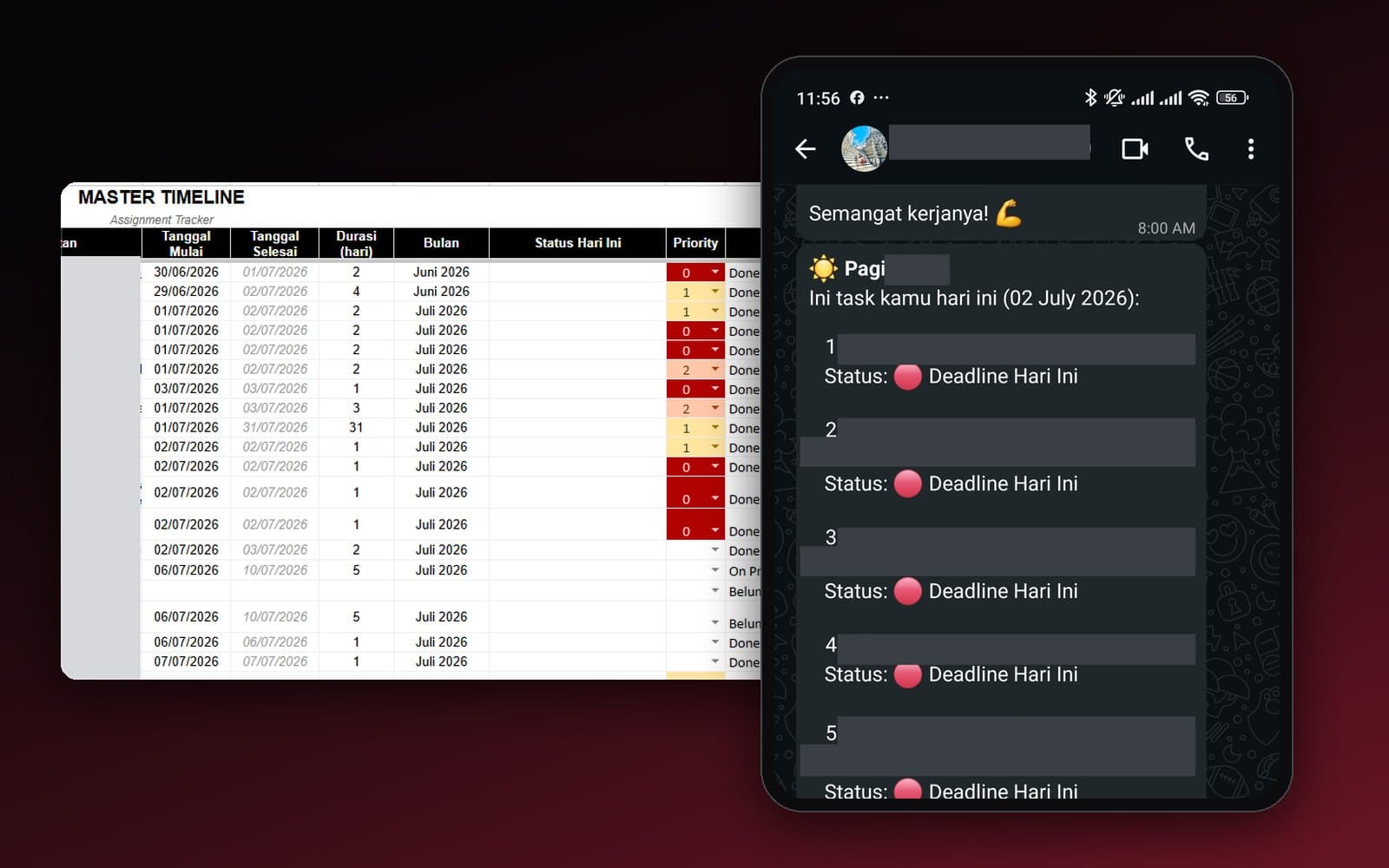
Team Task Reminders Over WhatsApp, Weekly to One-Off, Managed From One Place
Weekly, monthly, and one-off task reminders sent automatically to the team's WhatsApp every morning, with settings the team can change themselves in the sheet, no developer needed.
Read case study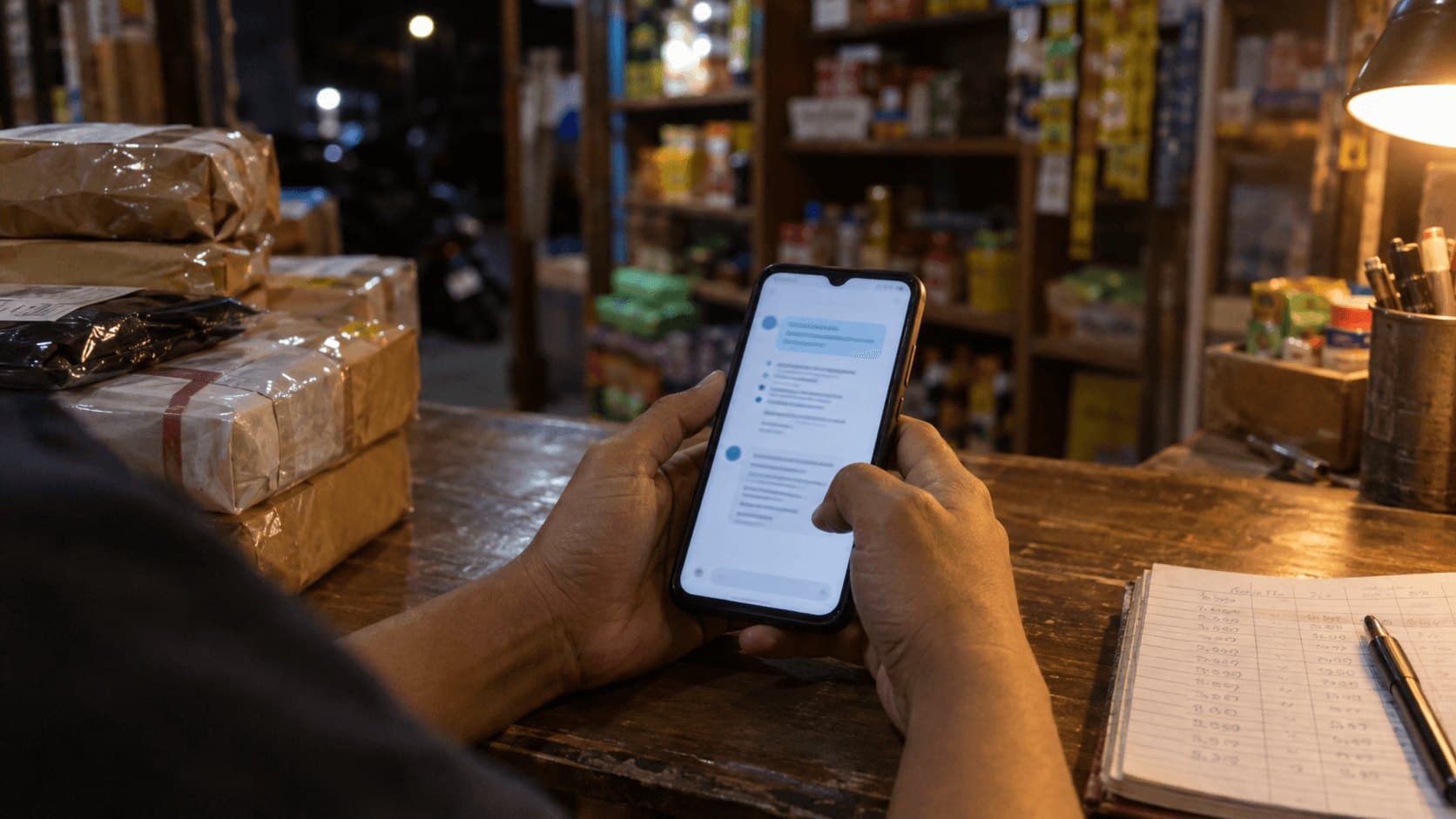 AI & Automation
Retail business
Thousands of WhatsApp Chats, a Two-Person Team: Letting the Owner Monitor Without Reading Everything
The owner gets an automatic recap every night at 9pm covering closed deals, complaints, and follow-ups, without reading every chat one by one.
Read case study