GPT-6 Astra for Non-Technical Professionals: Actually Useful, or Just Hype?
GPT-6 Astra can operate a computer on its own. But for everyday work, is it worth it? An explanation with no jargon, plus when you should actually upgrade.
In early September 2026, OpenAI released GPT-6 Astra and called it the most capable model they've ever built. Fortune also covered it as OpenAI's most powerful model to date.
The announcement is packed with numbers: benchmark scores, the ability to read extremely long documents, comparisons to other models. For developers, those numbers matter. But for architects, consultants, or operations managers, the question is much simpler: is this actually useful for everyday work, or not?
I'll try to answer from that angle, with no jargon.
What "computer use" means in plain language
The chatbot you're used to works through text: you ask, it answers, and you copy the result into another app yourself. Astra has a capability called computer use. That means the model can operate a computer like a human: look at the screen, click, type, open apps, browse, then compile a document.
In its official announcement, OpenAI says Astra can fill out online forms, update customer data in a CRM, manage a calendar, research online and write up the summary in a document, and build spreadsheets and presentations. What makes it different is that Astra can work through the apps people already use every day, even ones without an API, the special integration route built for developers.
Examples of work it's actually useful for
Architects: from brief to presentation material
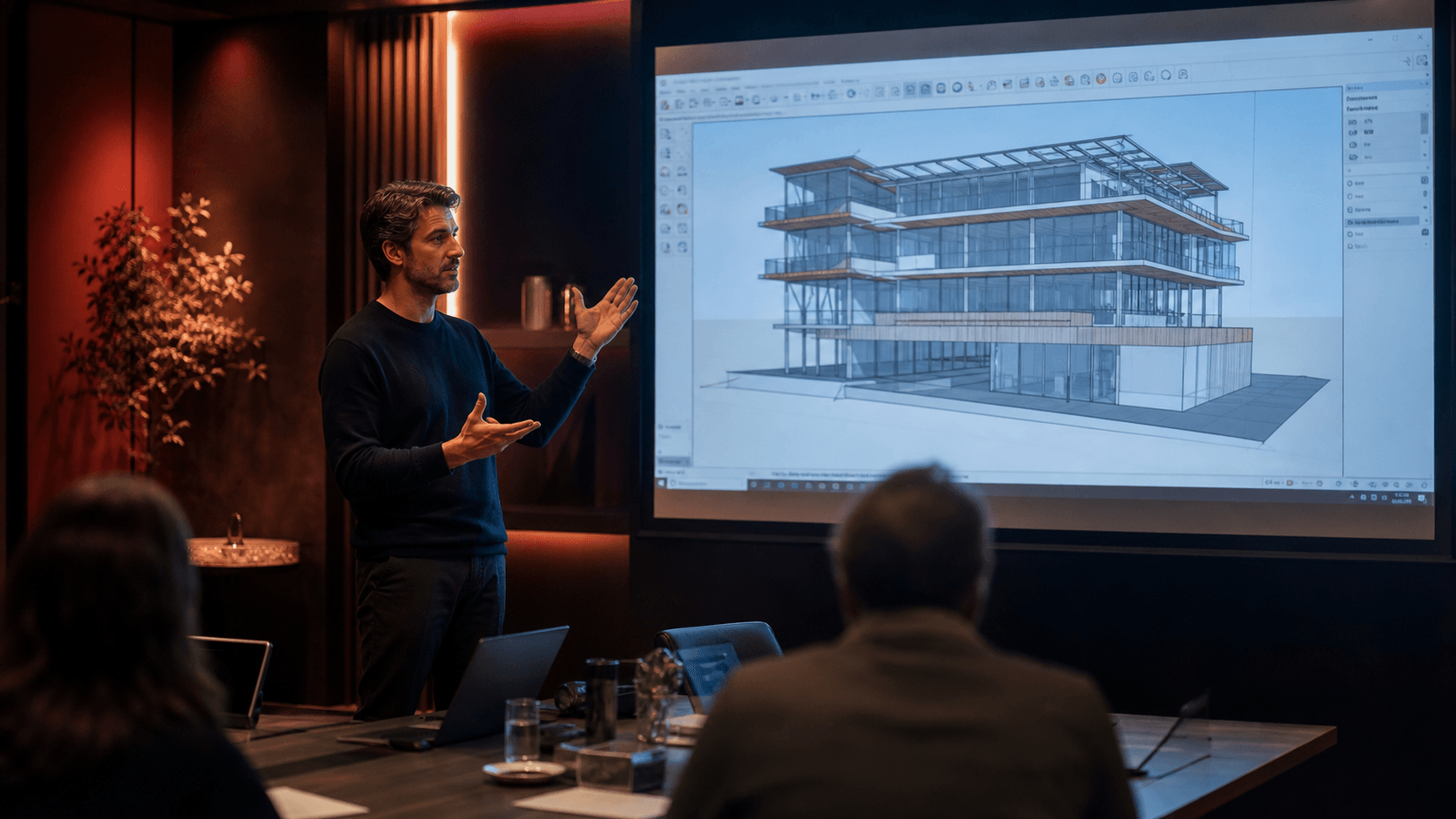
On OpenAI Developers' official blog, Thomas Ricouard showed how he used Astra for architectural visualization. Starting from a simple brief about a minimalist house with a garden, Astra built a 3D scene in Blender, proposed a family home layout, worked out the furniture, materials, and lighting, and put together a storyboard that made every view of the house presentable.
For client presentations, OpenAI also says Astra is their best model yet at following an existing template, so the resulting slides land closer to your office's own standard. But there's an important caveat in that same blog post: it was a visualization project. The concept layout still needs professional review for site, structural, and building code considerations before it's used for actual construction.
Other professionals: from recording to presentation material
OpenAI's own internal team used Astra and Codex to turn three hours of multi-camera recording into a ready-to-publish video. Combined with the ability to follow a template for slides, a flow like "meeting recording into a full slideshow" becomes worth trying: key points from the recording get summarized, arranged into a narrative, then poured into the office presentation template.
One thing worth being honest about: so far I haven't found an official example that's specifically about meeting recordings. So treat this as a scenario worth testing on your own work, not a proven result.
Work that bounces between tools
For a lot of people, the most exhausting part of office work isn't the thinking, it's the moving: finding data in a browser, copying it to Excel, processing it, then moving it to a slide. Astra can carry out that whole flow in one go, without you having to be the "courier" moving data between apps.
One demo from OpenAI: at the Financial Modeling World Cup challenge, Astra solved the problem using computer use about four times faster than the human champion. That means an analyst can spend more time reading the result and making a decision, instead of just building the model in a spreadsheet.
What to watch out for
It's expensive for light work
On OpenAI's official API pricing page, Astra is priced at $10 per 1 million input tokens and $50 per 1 million output tokens. Compare that with other models in the same family:
Output price per 1 million tokens, OpenAI models(USD)
- GPT-5.6 Luna$1.20
- GPT-5.6 Terra$12
- GPT-5.6 Sol$20
- GPT-6 Astra$50
Astra's output price is more than 40 times its cheapest sibling. For quick questions, drafting an email, or summarizing one short document, a gap that size clearly isn't worth it. If you use it through ChatGPT, Astra usage does count against your subscription quota (Plus, Pro, Business, and Enterprise), but a heavy task will still burn through that quota faster.
It's very new, without much track record yet
Astra only started rolling out on September 3, 2026. Some of the demos in the announcement are edited video clips, and Fortune even called one of the demos a "staged" interaction. OpenAI itself acknowledges that Astra's extra safety checks can sometimes slow down, pause, or stop work that's actually legitimate.
So it's reasonable that real-world results aren't as smooth as the demos yet. Start with low-risk tasks, check the results, then gradually hand it bigger ones.
There are restrictions in sensitive areas
Astra is OpenAI's first model to hit the "Critical" level for cybersecurity capability, so its safeguards are tighter too. Astra will refuse advanced cybersecurity tasks, like building an exploit. In the Enterprise plan, Astra access is also disabled by default, and admins can restrict which sites and apps it's allowed to access, including requiring confirmation before Astra takes an important action.
For companies, this is actually a reminder: before giving AI access to your work systems, decide first which data and apps it's allowed to touch. I cover the risks in The Dangers of Using AI in Companies.
An analogy: an expensive senior assistant
The easiest way to picture Astra: it's like an expensive senior assistant. You can hand it a complex task, let it work independently, and the result is usually clean.
But you also wouldn't ask a senior assistant to make photocopies or reply to a short chat. For simple daily tasks, a more affordable assistant is still the more sensible choice.
Assess the kind of work first before upgrading

Before rushing to switch to Astra, try mapping your work with these questions:
- Multi-step and cross-app? For example, research, process data, then turn it into a presentation. This is a good candidate for Astra.
- Just Q&A, short drafts, or summaries? A cheaper model is already enough.
- Fixed pattern, repeated every day? You might not need AI at all, just plain automation. I cover this in AI Isn't Needed for Repetitive Work With a Clear Pattern.
- Touches sensitive company data? Sort out your AI SOP and access first, like in A Simple SOP to Keep Company AI a Team Asset.
To me, Astra is a genuine leap forward, especially for work that's long and spans many apps. But it doesn't change the same principle from earlier articles: not everyone needs the most advanced model. I go further into how to pick the right model in The Race to Find the Most Advanced AI Model.
Is your team still doing something by hand?
Tell me about it, and let's find the fix together.
More notes

Can AI Learn Your Sales Style From WhatsApp Chat History?
Yes, and you usually don't need to train your own model. How to export WhatsApp chats, turn them into a style guide, a ready-to-use prompt, and the customer data risks.
Read the note
Gemini vs ChatGPT for Office Work, Which One Fits Better?
Gemini and ChatGPT can both be used for work, but their strengths differ. A plan price comparison in Rupiah, which suits teams on Google Workspace, and when ChatGPT makes more sense.
Read the note