AI Isn't Needed for Repetitive Work With a Clear Pattern
Repetitive work with a clear pattern is enough to turn into a workflow or script. Here's how I tell apart what genuinely needs AI from what's fine with plain automation.

Almost every week someone asks me, "Can this be turned into AI?" The work varies: compiling daily reports, moving files into the right folder, sending reminders to the team, updating stock status. But if you listen closely, the pattern is almost always the same: the steps are identical every single day.
For work like that, my answer is usually not AI. All that's needed is a workflow that runs automatically.
Repetitive work vs. work that needs judgment
I usually split operational work into two kinds:
- Repetitive with a clear pattern. The input is uniform, the steps are fixed, the result is predictable. For example: if stock falls below the minimum threshold, send a notification. If there's new content, create a folder named with the brand and date.
- Needs judgment. The input varies, there are lots of exceptions, and it needs the context read before deciding anything. For example: answering a team question phrased however they want, or checking whether an uploaded document is actually the document requested.
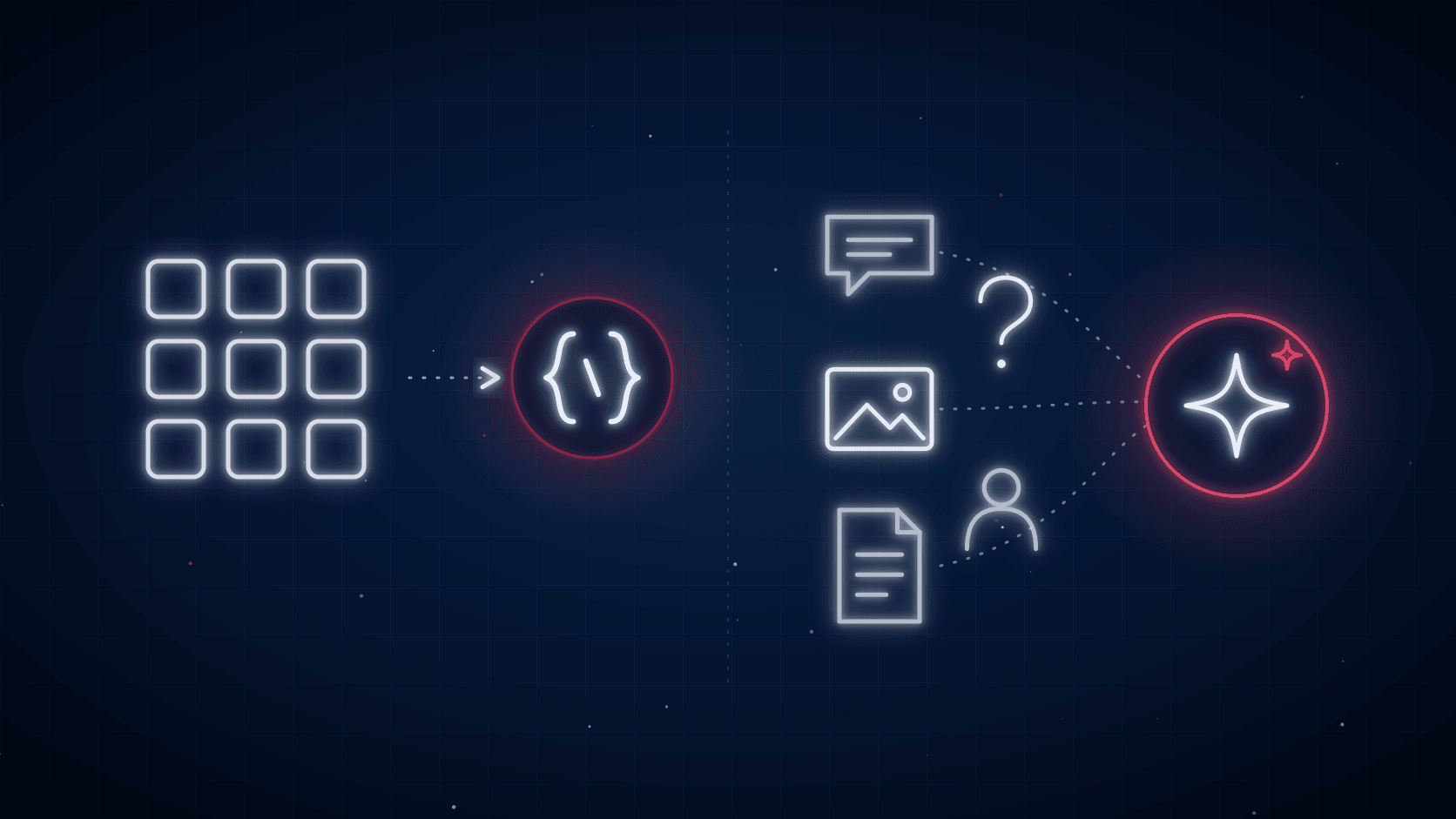
This split isn't just my own take. In its A practical guide to building agents, OpenAI says an AI agent is the best fit for three conditions: complex decisions full of exceptions, rules that have gotten too tangled to maintain, and processes that depend on unstructured data like free-form language or document contents. Outside of those conditions, they say, a deterministic solution with fixed steps is probably already enough.
Once the pattern is clear, just build a workflow
Once the pattern is readable, the question changes from "which AI to use" to "what are the steps." Fixed steps can be run by much simpler tools:
- Spreadsheet formulas and validation for calculations and checks with clear rules.
- Scripts, like Google Apps Script, for moving data, creating files, or sending emails based on a given condition.
- Scheduled triggers for daily or weekly reports that always follow the same format.
- Macros or workflow tools for a sequence of clicks that repeats over and over.
Anthropic, the company behind Claude, writes the same principle in its Building effective agents article: find the simplest solution first, and only add complexity when it's actually needed. They also distinguish a workflow, which runs through a predetermined code path, from an agent, which decides its own steps. Agent systems usually trade speed and cost for performance, so it's worth thinking about when that trade-off is worth it.
The share of repetitive work in the office isn't small either. A Smartsheet survey of around 1,000 office workers in the United States found these numbers:
Time spent on manual, repetitive work(% of respondents)
- Spend at least a quarter of the work week on manual, repetitive tasksOver 40%
- Believe they'd save 6 hours or more a week if the repetitive part were automatedNearly 60%
According to the same survey, the tasks that eat up the most time are email, data collection, and data entry. Almost all of them have a clear pattern, so most of it can be cleaned up with plain automation without paying for an AI model.
AI is a better fit for varied work
AI genuinely earns its keep once the input can't be predicted. For example:
- Free-form questions from different people.
- Documents or images with inconsistent formats, whose content needs to be understood, not just matched.
- Cases with varying combinations, to the point a manual formula would be full of branches.
In the WhatsApp assistant for an internal team I built, AI was used because the team could ask about work status, briefs, or references in everyday language. In the document verification system, AI was used to read the contents of uploaded documents. But even in that verification project, renaming and moving files was still handled by a plain script, because that part had a fixed pattern.
From experience: two systems built deliberately without AI
These two projects had a clear pattern from the start, so I built them without any AI at all.
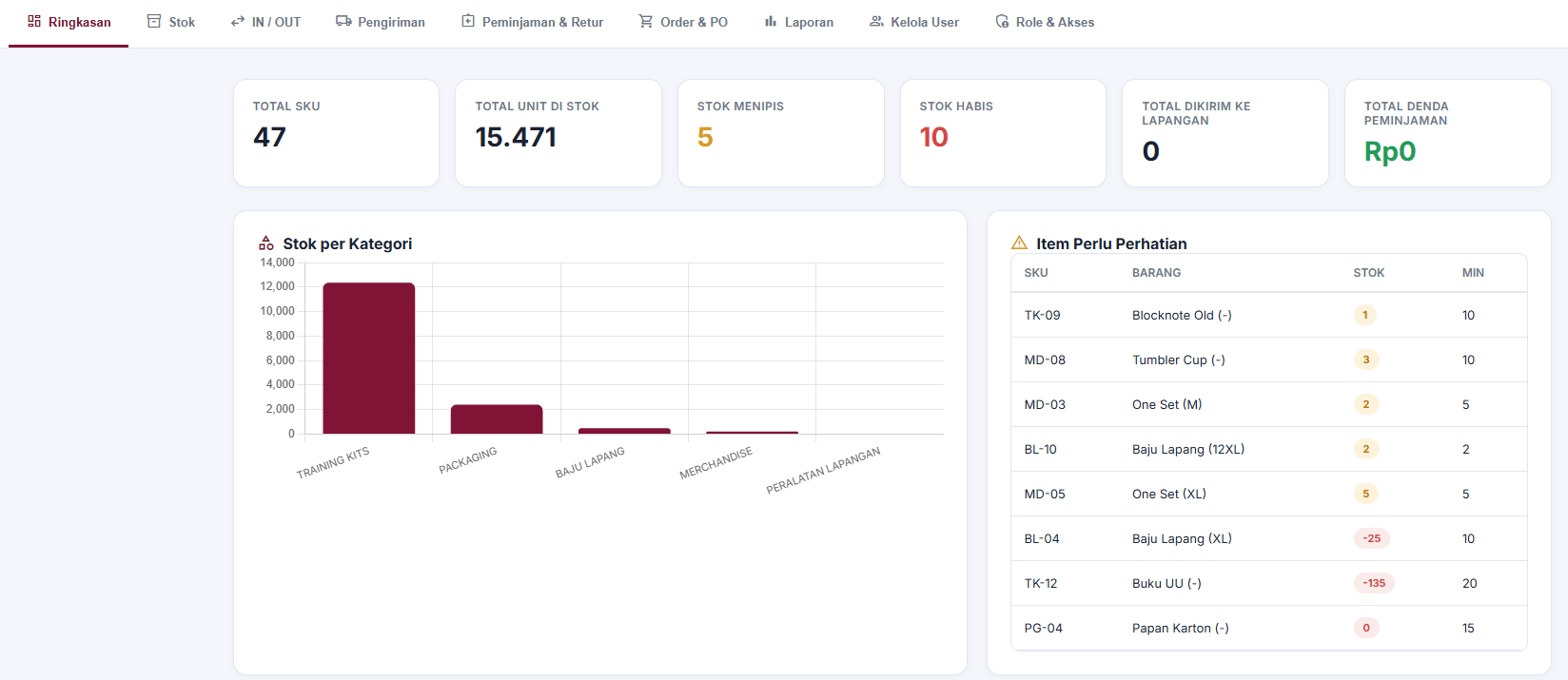
The warehouse system. In the Warehouse Management System I built with Google Apps Script, Sheets, and Drive, the stock rule is strict: if an item's quantity falls below the minimum threshold, it goes onto the needs-attention list. Reports come out automatically, and documentation that used to be sent over WhatsApp is now saved straight to Google Drive. Not a single step needs judgment.
The content production dashboard. In the social media agency dashboard, the production team used to bounce between spreadsheets because every brand had its own sheet. Now everything lives in one dashboard, and every piece of content needs a Google Drive folder with the same structure every time: brand, year, month, date. Since the structure never changes, Apps Script alone is enough to create the folders automatically.
Both systems run without any AI model cost, are easy to check when something's wrong, and produce the same result every time they run.
Map the pattern before thinking about tools
Before deciding whether to use AI or not, I usually start with something that looks trivial:
- Write out the steps from start to finish, exactly as the team does them now.
- Mark which steps are always the same, and which need thinking or reading context.
- Automate the steps that are always the same with formulas, scripts, or a workflow.
- Only then consider AI for whatever steps remain, if any.
More often than not, once it's mapped out, the part that genuinely needs AI turns out to be small, or doesn't exist at all. For a broader look at when simple tools make more sense, I also covered it in Not Everything Needs AI.
Is your team still doing something by hand?
Tell me about it, and let's find the fix together.
More notes

Can AI Learn Your Sales Style From WhatsApp Chat History?
Yes, and you usually don't need to train your own model. How to export WhatsApp chats, turn them into a style guide, a ready-to-use prompt, and the customer data risks.
Read the note
Gemini vs ChatGPT for Office Work, Which One Fits Better?
Gemini and ChatGPT can both be used for work, but their strengths differ. A plan price comparison in Rupiah, which suits teams on Google Workspace, and when ChatGPT makes more sense.
Read the note