How I Cut Operating Costs From Tens of Millions of Rupiah to Hundreds of Thousands
Case study: document verification, where the cost of four admin roles at Rp15–25 million a month became an Apps Script and Gemini system under Rp200 thousand. Here's how the audit went.

One corporate client I worked with used to spend around Rp15–25 million (roughly US$900–1,500) a month on just one process: verifying registration documents. Now the same process runs on a system that costs under Rp200 thousand (about US$12) a month.
The number sounds dramatic, but the method didn't involve expensive tools. The key is in the process audit: break down every step, then pick the simplest solution that's enough for that step. The technical details of the project are in the automatic document verification case study. In this article I'll focus on the cost math.
The starting point: four admin roles for one process
Every registration batch arrived with a stack of documents, and all of it was handled manually by four admin roles:
- Sorting: receives incoming data and sorts documents.
- Validator: opens each file one by one to make sure the uploaded document is correct.
- Collector and editor: downloads the documents, renames each file one by one, then arranges them into folders.
- Data entry: retypes document numbers into the report format.
The cost of these four roles was around Rp15–25 million a month. Beyond the expense, the process was slow and prone to typos, especially when batches were busy.
The audit process: what could be simplified
I didn't start from the question "which AI fits here." I started from each of the admin steps above, and asked one thing for each: is this step's pattern fixed, or does it need context read?
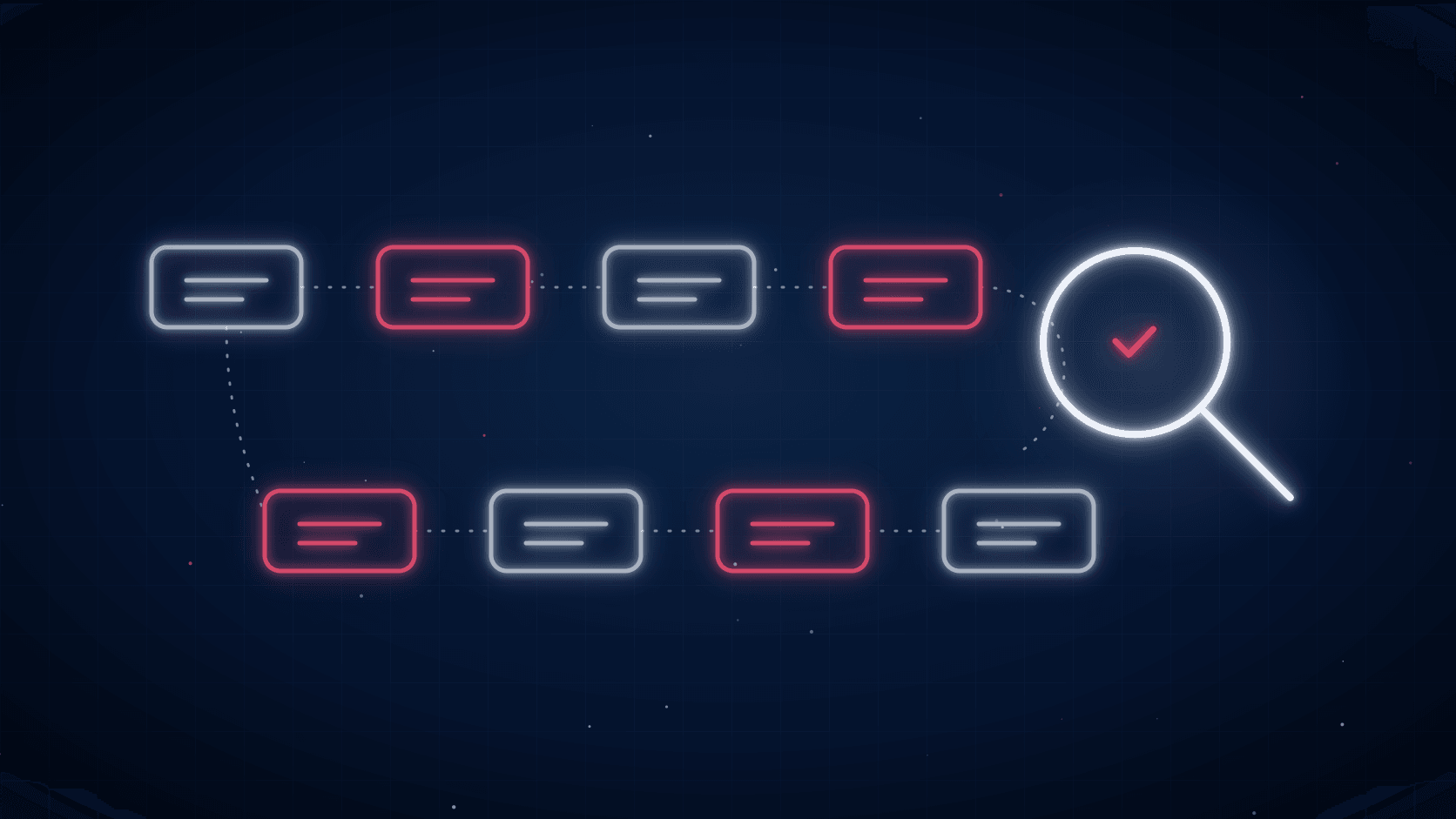
The result looked roughly like this:
- Sorting and file migration had a fixed pattern: pull the data, rename the file per the rule, then move it into a folder by batch and document type. A script was enough.
- Document validation needed the file's content read. For example, a file that was supposed to be a CV but actually contained a photo. This part genuinely needed AI.
- Retyping document numbers needed text read from document images in varying formats. This was also an AI part.
Out of four roles, two of them turned out to be solvable with plain automation. AI was only used for the two steps that genuinely needed "eyes."
The solution: spreadsheet, automation, and AI where it's needed
Everything was built on the Google Workspace the team already used every day, so there was no new software license:
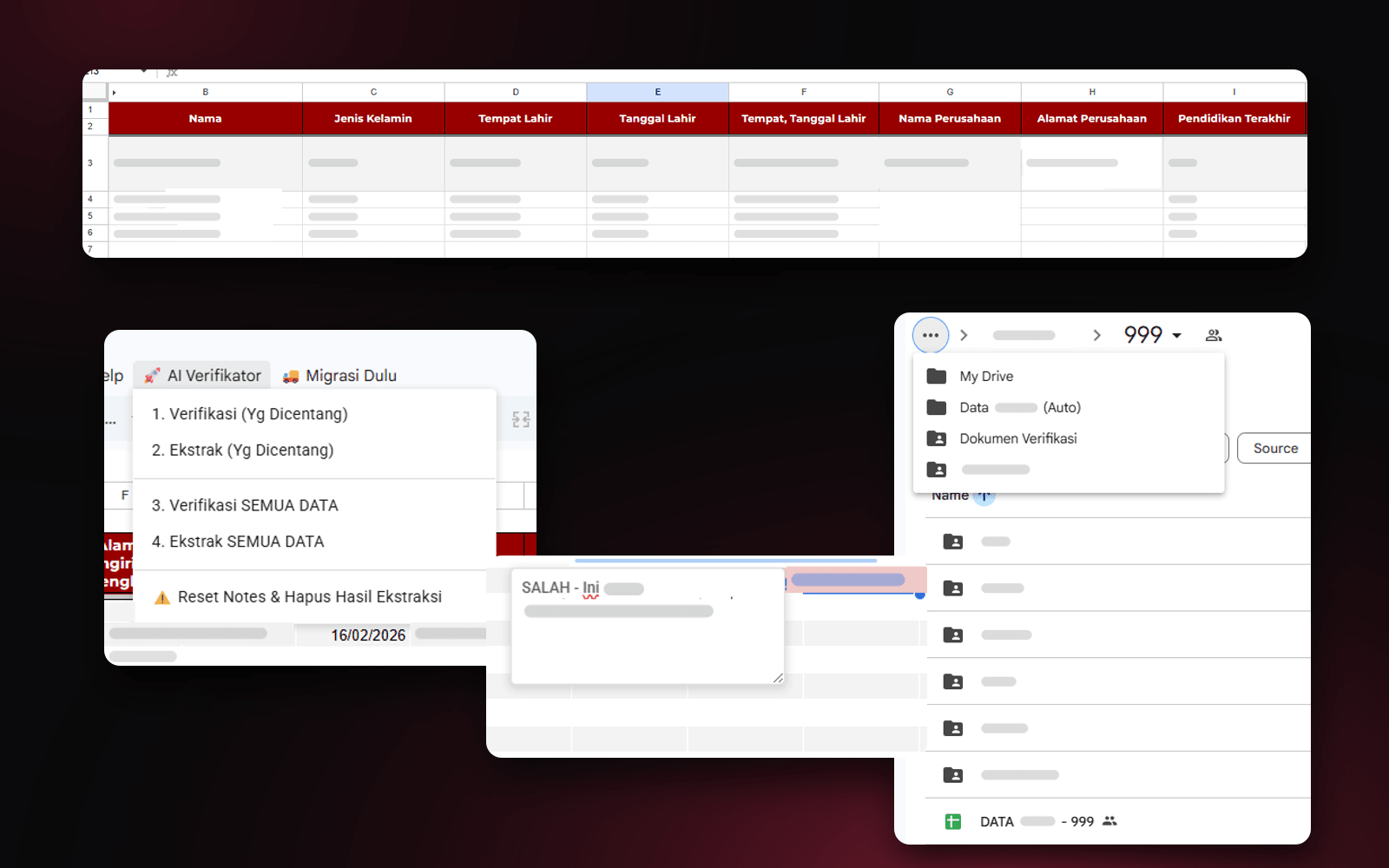
- Google Sheets became the control center. The admin just runs the system from a custom menu, without learning a new app.
- Google Apps Script handles renaming, moving files to Google Drive, and compiling the summary table.
- Gemini 2.5 Flash on Vertex AI is used for document validation and data extraction.
The principle is the same as what Anthropic writes in Building effective agents: find the simplest solution first, and only add complexity when it's actually needed. AI isn't the center of the system, it's one component in a flow that's still mostly scripts.
Cost comparison, before vs. after
Monthly cost of the document verification process(Rupiah)
- Manual era: four admin rolesRp15–25 million
- AI-assisted: system (API) costUnder Rp200 thousand
Once the system was running, those four roles were covered by a single admin who runs the system from the Sheets menu and checks the results. Verification processing time also dropped by about 70%.
- System cost per month, down from Rp15–25 million for four admin roles
- Under Rp200K
- Admins needed to run the process
- 4 → 1
- Reduction in verification processing time
- 70%
Why can the AI cost be that small? Because the task is just reading a document and outputting a few data fields, so it doesn't need the most expensive model. For reference, on the official Gemini API pricing page, Gemini 2.5 Flash is priced at $0.30 per 1 million input tokens and $2.50 per 1 million output tokens. At that per-token price, the monthly cost can stay under Rp200 thousand.
The lesson: cost efficiency is more often about process
What made the cost drop so drastically in this project wasn't a sophisticated AI model. What made it drop was the decision to break down the process first, then only use AI at the steps that genuinely needed it.
BCG's findings in its Where's the Value in AI? report line up with this. Companies leading in AI adoption put 10% of their resources into the algorithm, 20% into technology and data, and 70% into people and process. The biggest share is in how the work gets done, not in the tools.
If you want to try this on your own process, start here:
- Calculate the cost of the current process. How many people, how many hours, and how many mistakes need fixing every month.
- Break it down step by step. Mark which ones have a fixed pattern and which need context read.
- Use the tools you already have. Spreadsheets and scripts are often already enough for most steps.
- Use AI only where it's needed. Pick the model that's enough for the task, not the most expensive one.
For more on when plain automation is enough without AI, I go further in AI Isn't Needed for Repetitive Work With a Clear Pattern.
Is your team still doing something by hand?
Tell me about it, and let's find the fix together.
More notes

Can AI Learn Your Sales Style From WhatsApp Chat History?
Yes, and you usually don't need to train your own model. How to export WhatsApp chats, turn them into a style guide, a ready-to-use prompt, and the customer data risks.
Read the note
Gemini vs ChatGPT for Office Work, Which One Fits Better?
Gemini and ChatGPT can both be used for work, but their strengths differ. A plan price comparison in Rupiah, which suits teams on Google Workspace, and when ChatGPT makes more sense.
Read the note